By ByteDance
Seedream 5.0 online
Seedream 5.0 is ByteDance's image model for creating new pictures from a prompt and editing photos you upload. It comes in Pro, Lite and Flash versions, so you can pick between the most detail and the lowest price per image.
- Images
- Text to image
- Image editing
- Up to 2K
From 12 credits(about €0.12 per image)
New here? Create a free account and get 150 free credits. No subscription, pay only for what you make.

What Seedream 5.0 is good at
- Photoreal portraits, products and scenes
- Editing a photo with plain-language instructions
- Series of pictures that belong together
Typical uses
- Product shots and ad visuals without a photo studio
- Restyling or retouching your own photos
- Consistent images for a story, carousel or storyboard
- Social media posts and thumbnails
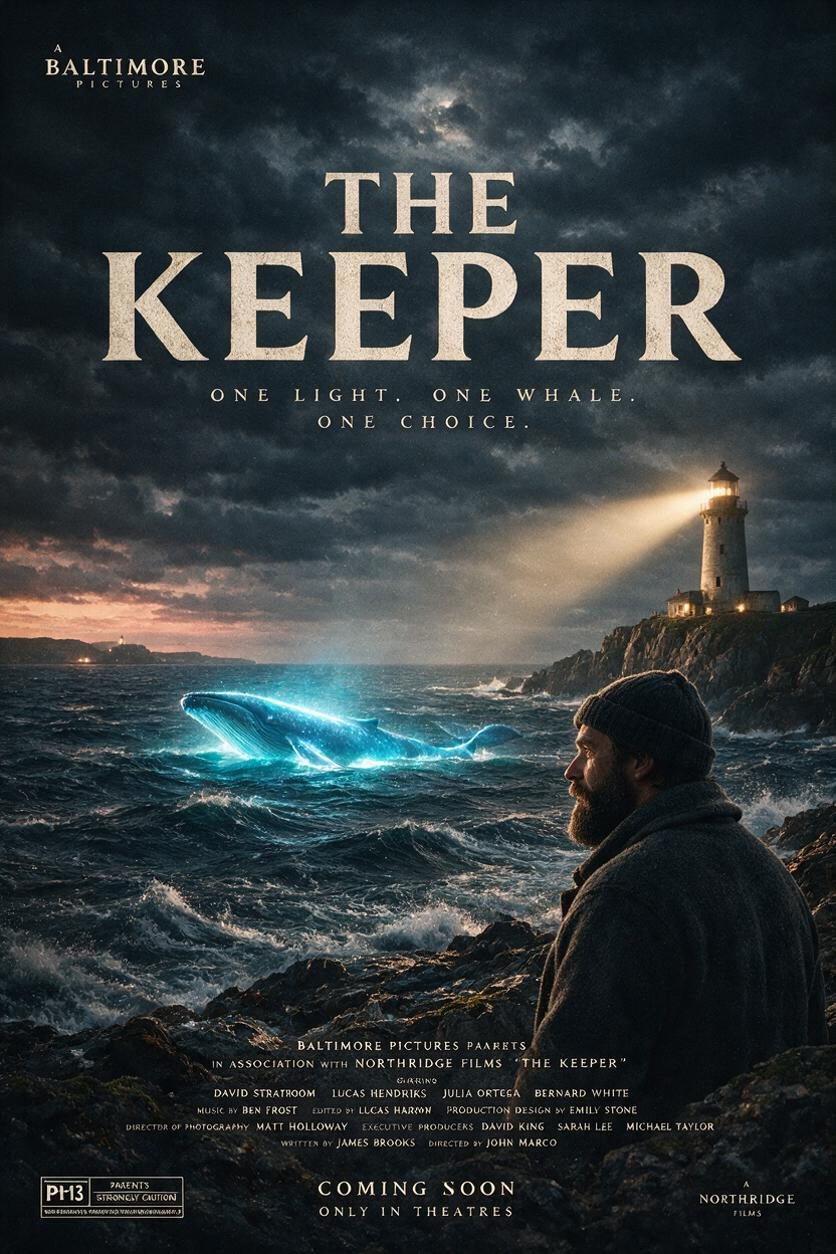
Made with Seedream 5.0
Real examples made with this model family on our studio.



Seedream 5.0 versions and prices on Yumeforge
Prices are for one run with the default settings. Higher resolutions, longer clips and more outputs cost more; the studio always shows the price before you start.
| Version | Task | Resolution | Credits |
|---|---|---|---|
| Seedream v5.0 Pro | Text to image | 1K / 1.5K / 2K | 19 |
| Seedream v5.0 Pro Edit | Image editing | 1K / 1.5K / 2K | 19 |
| Seedream v5.0 Lite | Text to image | – | 15 |
| Seedream v5.0 Lite Edit | Image editing | – | 15 |
| Seedream v5.0 Flash | Text to image | 1K / 1.5K / 2K | 12 |
| Seedream v5.0 Flash Edit | Image editing | 1K / 1.5K / 2K | 12 |
| Seedream v5.0 Lite Sequential | Text to image | – | 15 |
1 credit is worth about €0.01. Credits work on every model and never expire.
How to use Seedream 5.0 on Yumeforge
Open the studio
Press "Try Seedream 5.0". The image studio opens with Seedream v5.0 Pro selected; pick another version from the list if you like.
Write your prompt
Describe what you want, or upload a picture to start from. Choose the options you need.
Check the price and create
The exact price in credits is shown before you start. Your result is saved in your library; a failed run is refunded automatically.
Seedream 5.0 compared
Questions about this model
More answers in the help center.
What is Seedream 5.0?
How much does Seedream 5.0 cost?
Can I try Seedream 5.0 for free?
What sizes can Seedream 5.0 make?
Can I edit my own photos with Seedream 5.0?
Can I use Seedream 5.0 results commercially?
Try Seedream 5.0 now
One account, 150 free credits to start, and 900+ models on the same credit balance. No subscription needed.
Yumeforge works in any browser, on phone or desktop.