Tripo
H3.1 Image to 3D
No ratings yet- Studio: 3D
- Makes: 3D model
- Task: Image to 3d
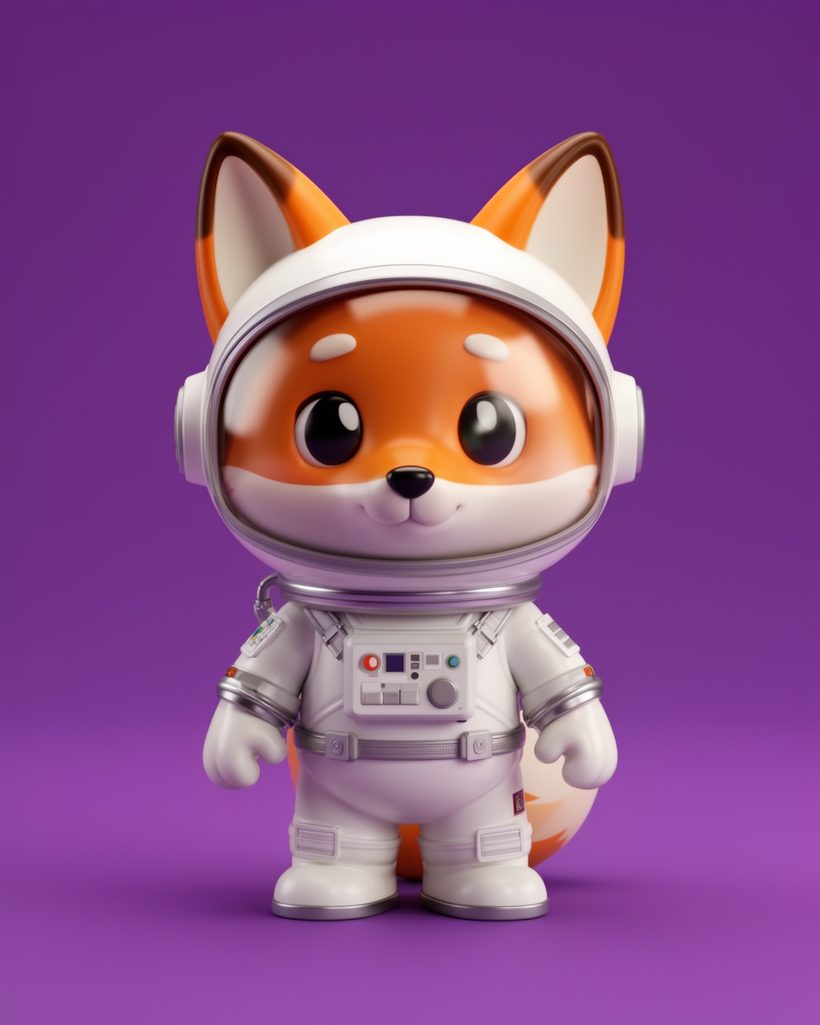
Turn a picture into a 3D model with H3.1. Pay per result with credits. No subscription.
from 74 credits
What you can set
ImageRequired
Upload an imageURL of the input image for 3D model creation.
Auto size
On or offAuto-scale the model to real-world dimensions.
Face limit
Number from 1000 to 2000000Target number of faces for the generated mesh. If not set, the model adaptively determines the count.
Geometry quality
ChoiceQuality level for geometry.
- standard (default)
- detailed
Model seed
NumberSeed for geometry generation reproducibility.
Orientation
ChoiceModel orientation. 'align_image' auto-rotates to match the input image.
- default (default)
- align_image
Pbr
On or offWhether to generate PBR (Physically Based Rendering) materials. If true, texture is also enabled.
Quad
On or offGenerate quad (4-sided) mesh topology instead of triangles.
Texture
On or offWhether to generate textures for the model.
Texture alignment
ChoiceHow textures are aligned. 'original_image' aligns to input image, 'geometry' aligns to generated geometry.
- original_image (default)
- geometry
Texture quality
ChoiceQuality level for textures. 'detailed' produces higher-resolution textures.
- standard (default)
- detailed
Texture seed
NumberSeed for texture generation reproducibility.
Reviews
From creators who made something with H3.1.
No ratings yet. Ratings come only from people who made something with this model.