Yumeforge for photographers
AI tools that work for photographers, not against them
Keep your own images at the centre. Use AI for the tedious parts, like enlarging, cleaning and relighting, and for the things a camera can't do, like turning a still into a moving shot.
What you can make
Each idea links straight to the right tool, with a model or prompt already picked.
Upscale and sharpen
Enlarge files for large prints or crops. Choose a faithful upscaler when details must stay true, and a creative one when you want it to add fine detail.
Restore and denoise
Clean up high-ISO noise and bring old, faded or damaged family photos back to life.
Relight and retouch
Change the mood of a frame with warmer light, or make careful local edits by describing them in plain words.
Moodboards and motion
Sketch a shoot with concept frames before you book a location, and turn finished stills into short clips for social.
Start with an effect
No prompt needed. Add your photo and get the look.
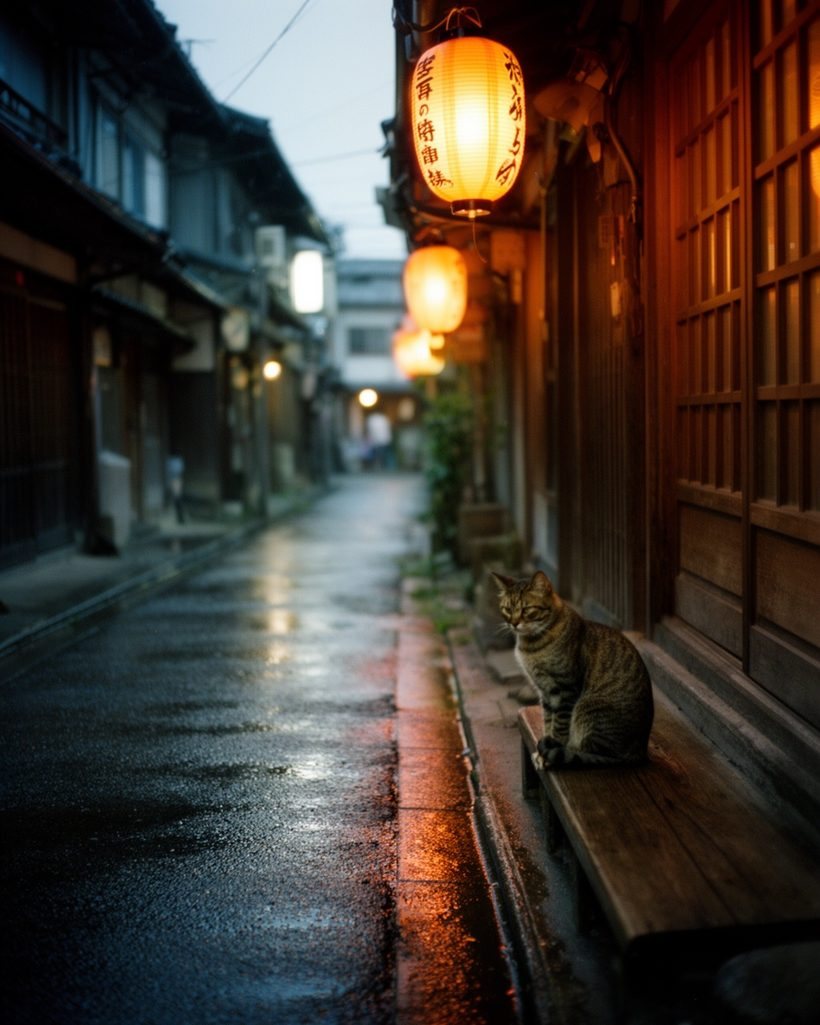
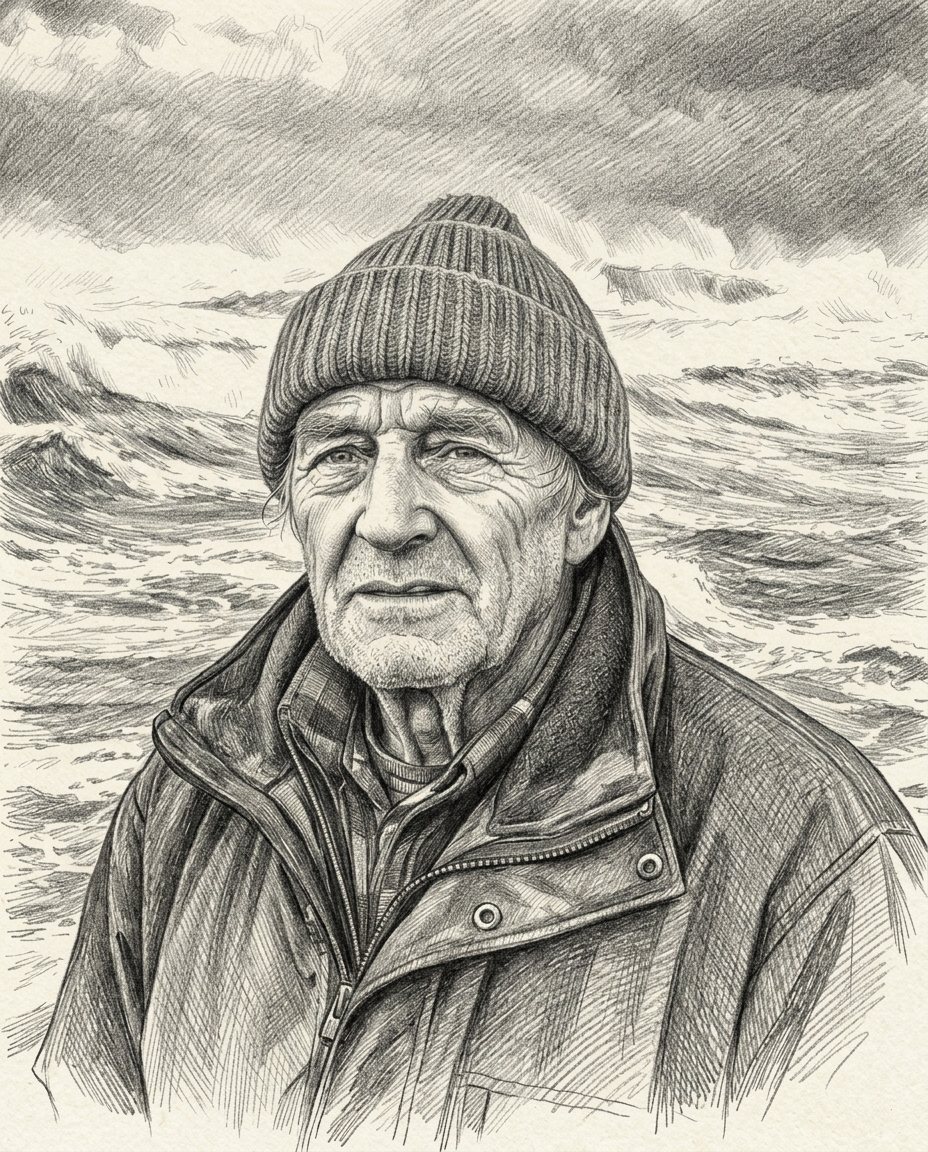
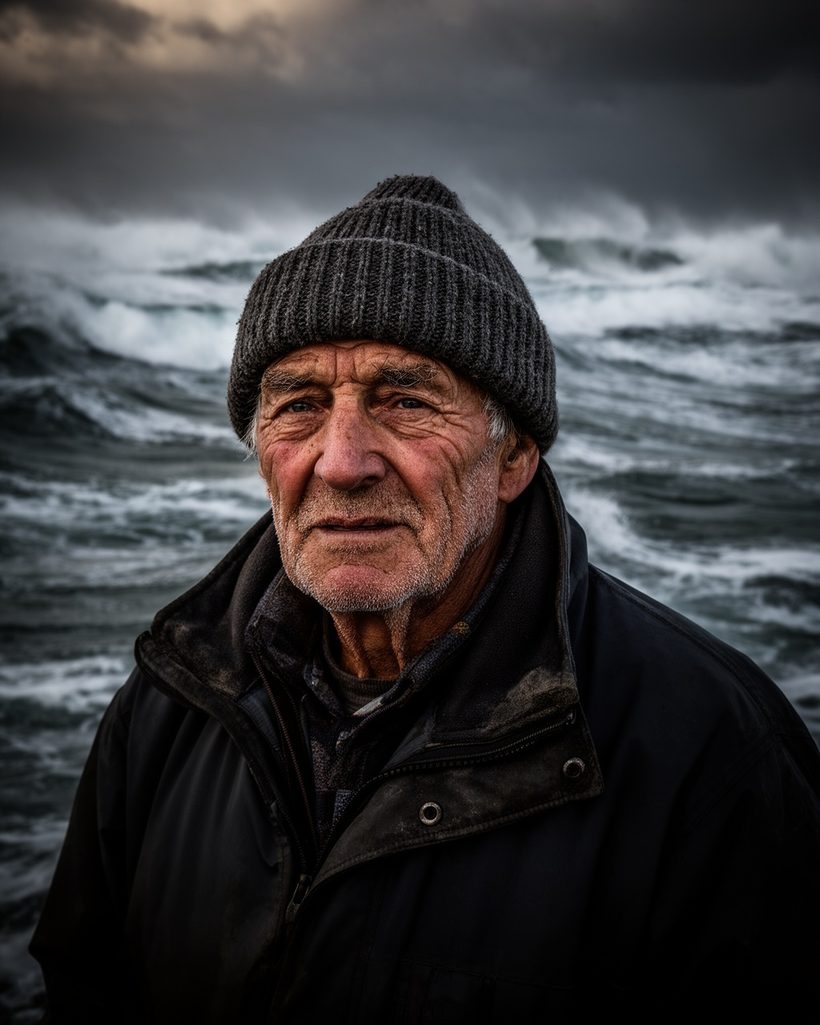
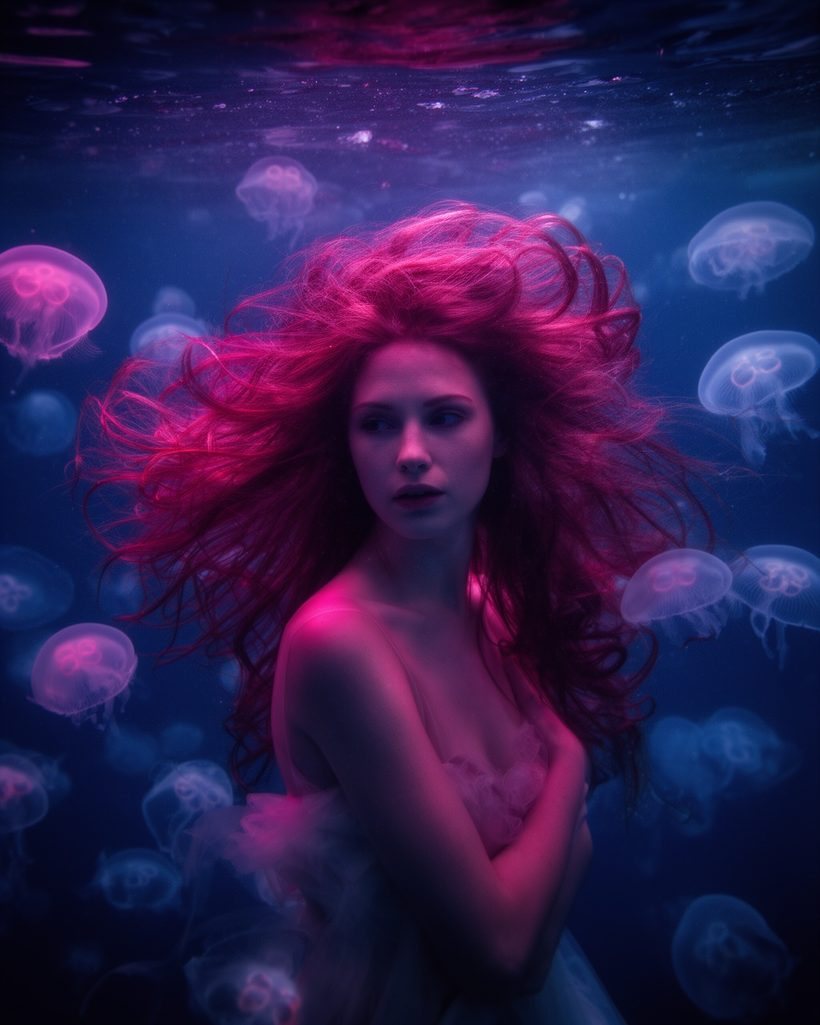
How it works
Upload your file
JPG or PNG. Export RAW files from your editor first.
Choose the tool
Upscale, restore, relight or animate. Each model page explains its options.
Finish in your editor
Download the result and blend it with your own grade and retouch.
Simple pricing
Upscaling and restoring a batch of photos costs little per picture. The studio shows the price first. Packs start at €10 for 1,000 credits.
Failed generations are refunded automatically. The studio shows the price before you start.
See all pricesQuestions
More answers in the help center.
Who can see the photos I upload?
Who owns the results?
Do upscalers invent detail?
Should I tell clients I used AI?
Get more out of every frame
Enlarge, clean up and animate your photos. Pay only for what you process.
Yumeforge works in any browser, on phone or desktop.