Explainer 2 min read
Upscaling explained: faithful vs creative
What AI upscalers do, when to use a faithful or a creative upscaler, how many pixels you need for print and screens, and how to upscale video.
On this page
Classic enlarging stretches pixels, so the picture gets bigger but softer. An AI upscaler predicts the missing detail: edges get crisp, textures come back. That prediction is powerful, and it is also why you need to pick the right kind of upscaler.
Faithful vs creative
- Faithful upscalers stay close to the original. They sharpen and clean without inventing new things. Use them for faces of real people, product labels, text and anything a client must recognise. Example: Recraft Crisp Upscale.
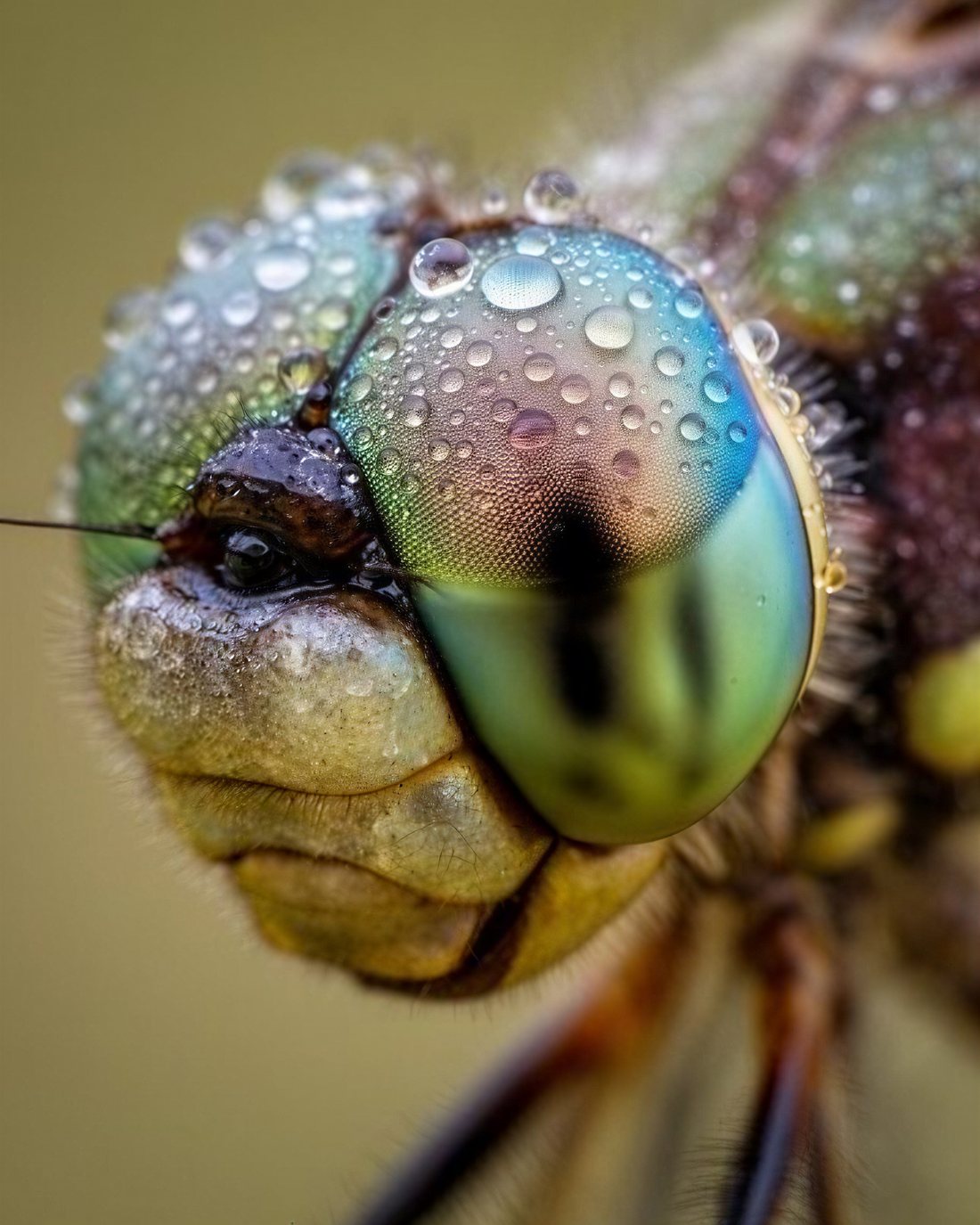
- Creative upscalers add plausible new detail, like skin pores, fabric weave or leaves. Great for AI art and landscapes, risky for faces and text. Example: Recraft Creative Upscale.
Image Upscaler, used by the Sharpen to 4K effect, lets you pick the target size: 2K, 4K or 8K.
Clean up first, enlarge last
An upscaler also enlarges problems. Fix noise, blur and damage first, then upscale as the very last step. In the Edit studio you'll find Topaz Image Denoise, Topaz Image Sharpen and Topaz Image Restore for old or damaged photos.
How many pixels do you need?
| Use | Pixels (long side) | Notes |
|---|---|---|
| Social media post | 1080 to 2160 | Platforms compress anyway |
| Full HD screen | 1920 | 1920 × 1080 |
| 4K screen or video | 3840 | 3840 × 2160 (UHD) |
| A4 print (21 × 29.7 cm) | about 3508 | 3508 × 2480 at 300 ppi |
| A3 print (29.7 × 42 cm) | about 4961 | 4961 × 3508 at 300 ppi |
| Poster seen from a distance | less than 300 ppi is fine | 150 ppi often looks sharp at arm's length |
What upscaling can't do
- It can't truly recover detail that was never captured. A badly out-of-focus photo becomes a sharp guess, not the real scene.
- Creative upscalers can change faces, so the person may look slightly different. Check at 100%.
- Small text may turn into convincing nonsense. Retype important text in a design tool.
Upscaling video
The Upscale studio also has video upscalers. FLUX 3 Video Upscale has a creativity slider from 0 (faithful) to 1 (adds detail) and an upscale factor; it takes clips of up to 20 seconds and 50 MB. Upscale v1 by Runway is a simple option without settings. Video upscaling is priced by length, so trim your clip first.
Written by the Yumeforge team. Model options change over time; each model page shows the current ones.