🎃 Halloween pack · until 1 November
AI Halloween photos: become a zombie, vampire or witch in one click
Upload one photo and pick a look. Film-quality make-up and costumes that still look like you, a haunted version of your own house, your pet as a tiny monster, or a horror poster starring you.
New accounts get 150 free credits. The exact price is always shown before you create.
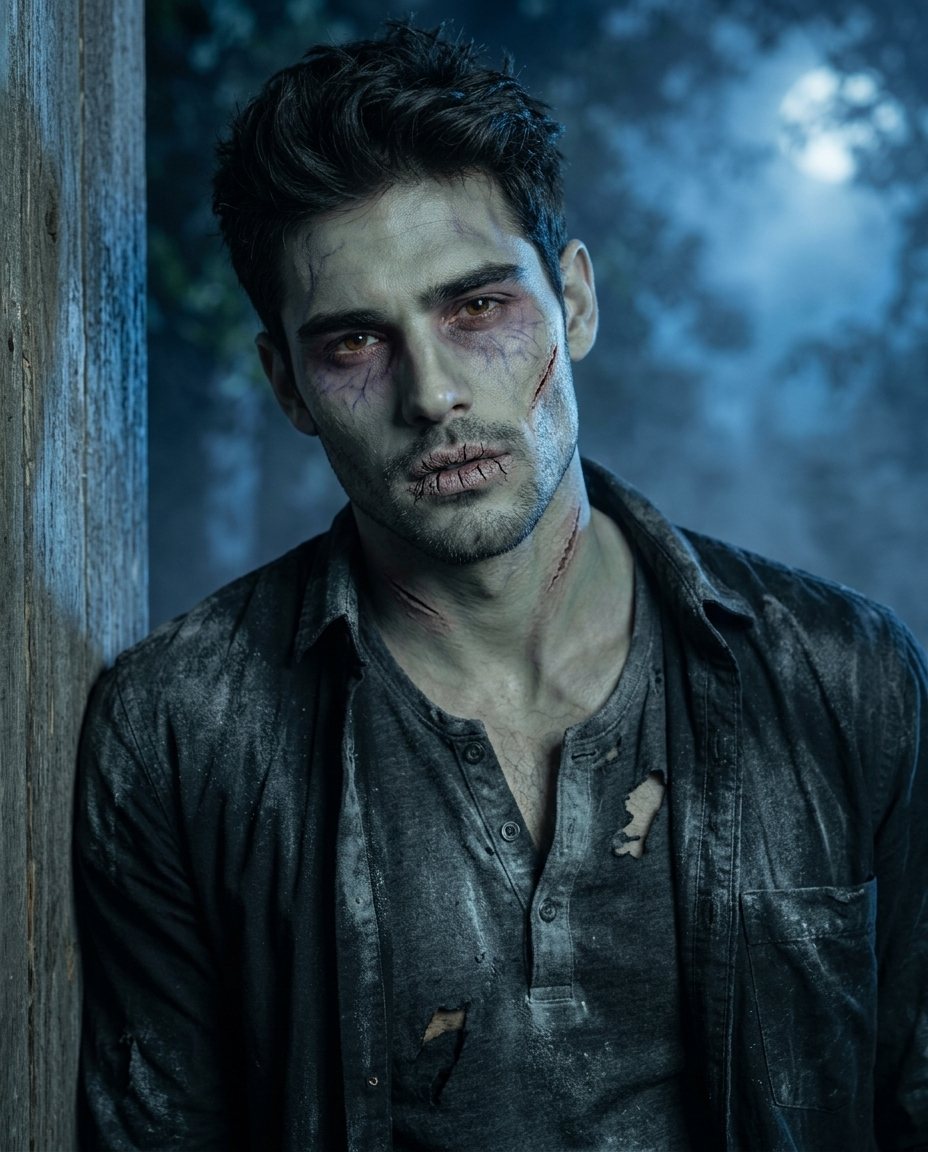
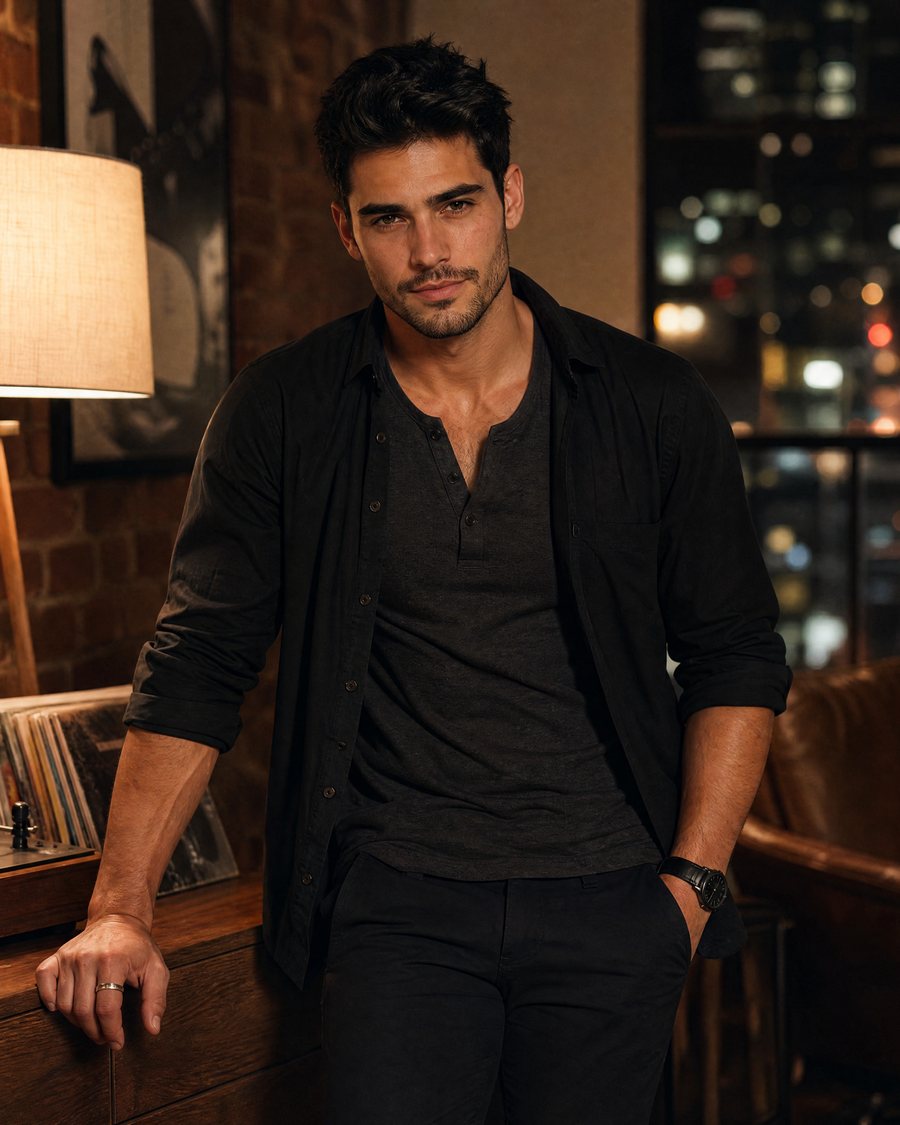
Drag to compare. Example made with this effect from an AI-generated photo.
Pick your look
- HotPhoto edit
Before Zombie make-upNeeds one photo~27 creditsUse this effect 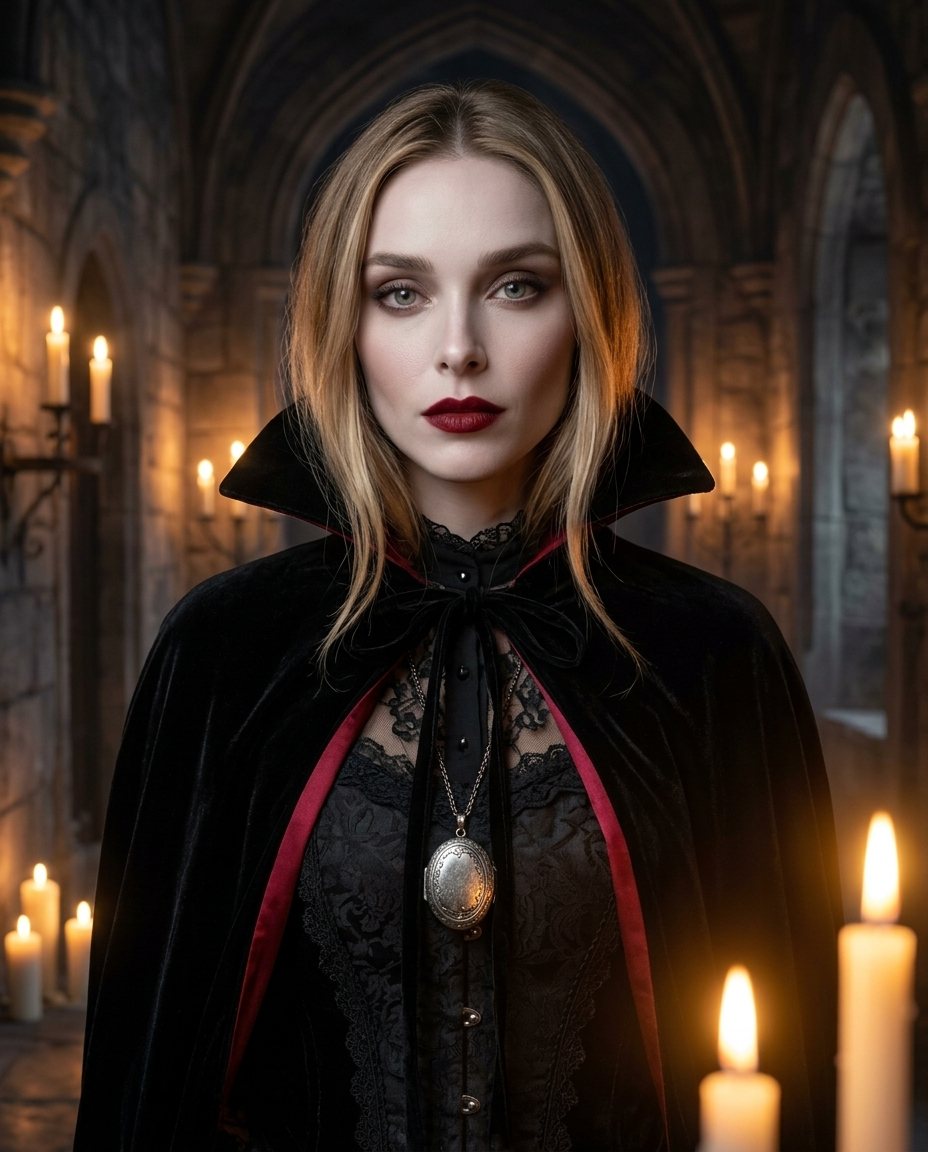 HotPhoto edit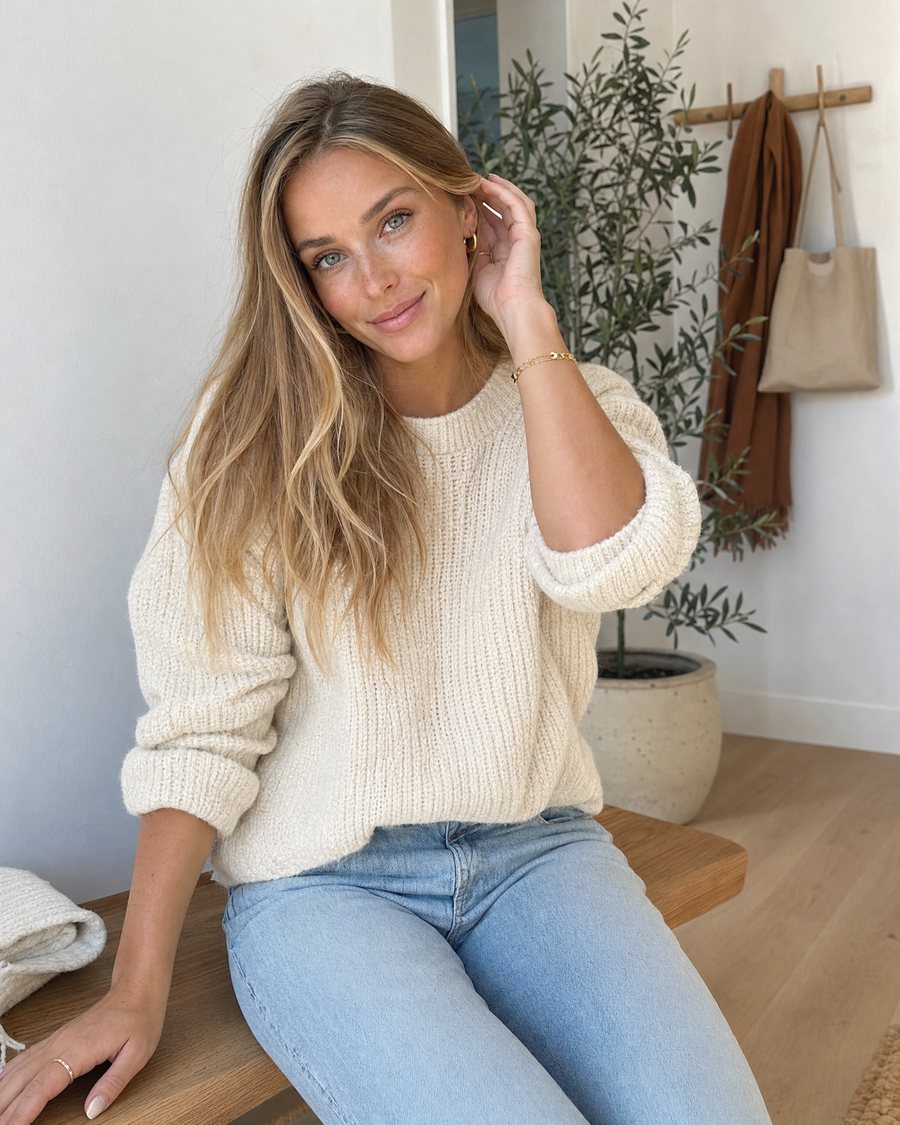
Before VampireNeeds one photo~27 creditsUse this effect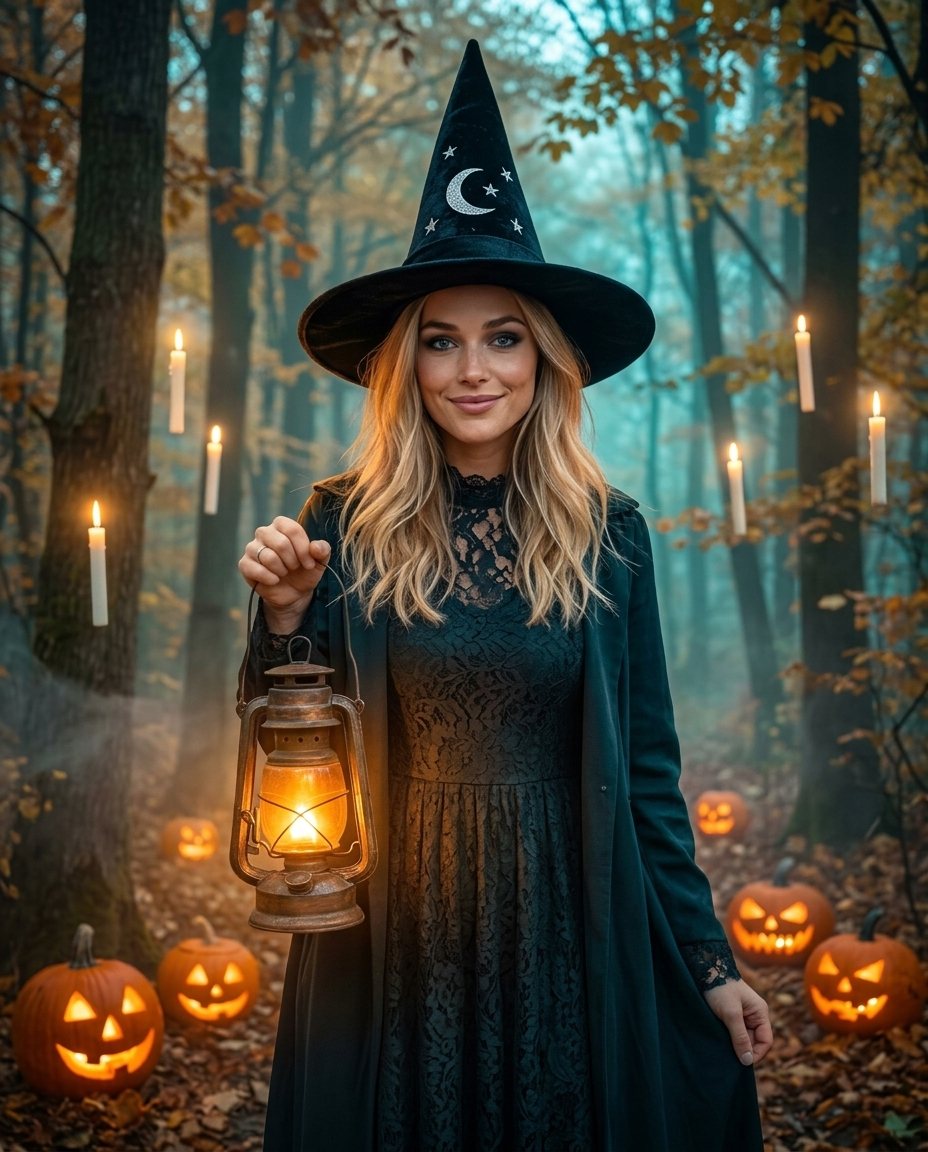 Photo edit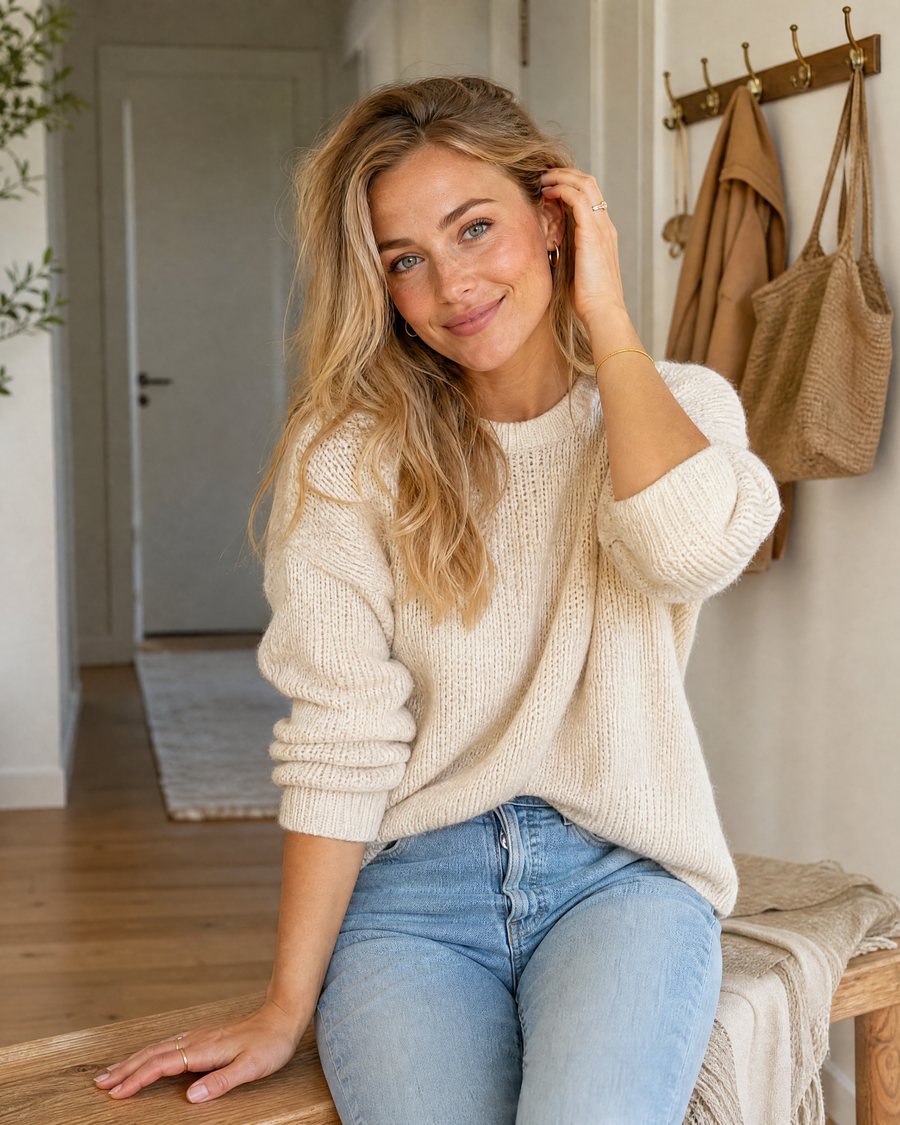
Before WitchNeeds one photo~27 creditsUse this effect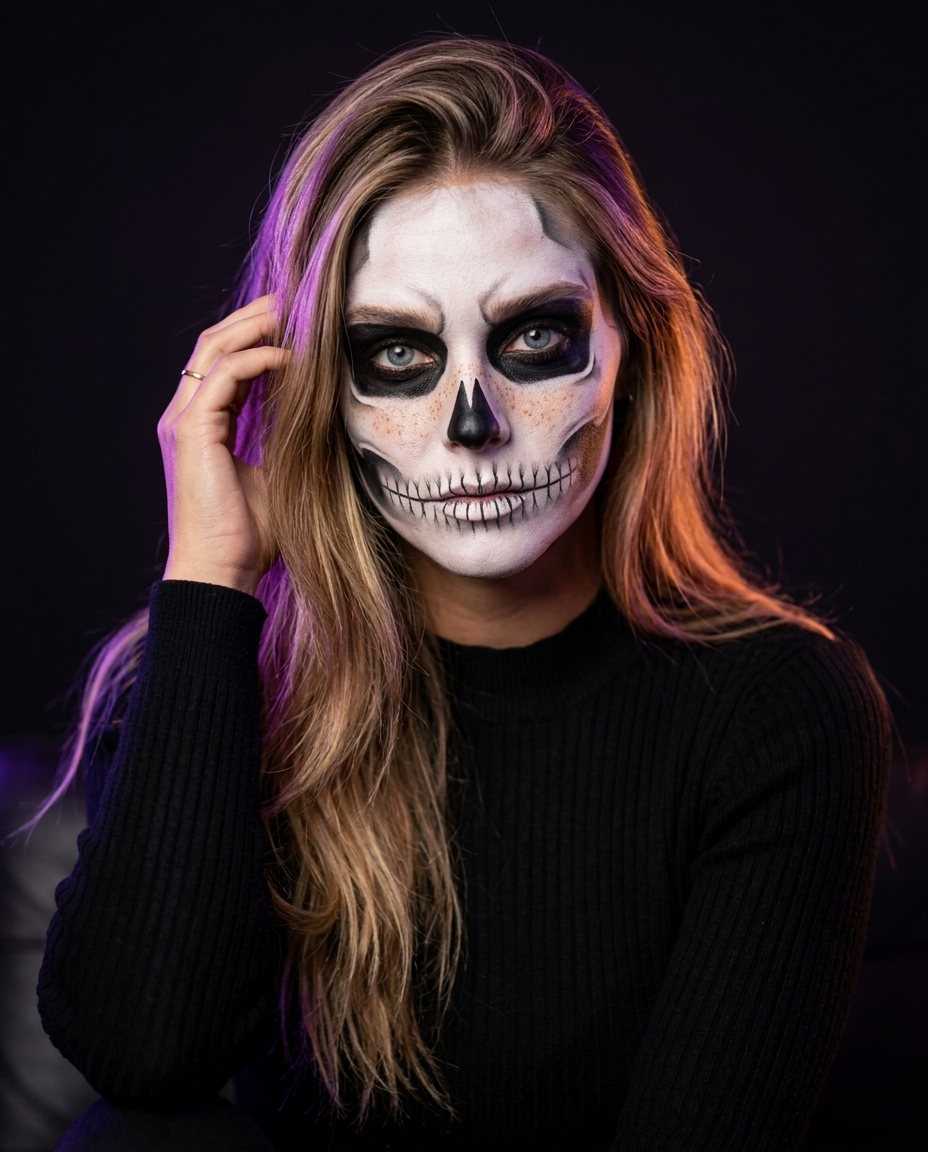 Photo edit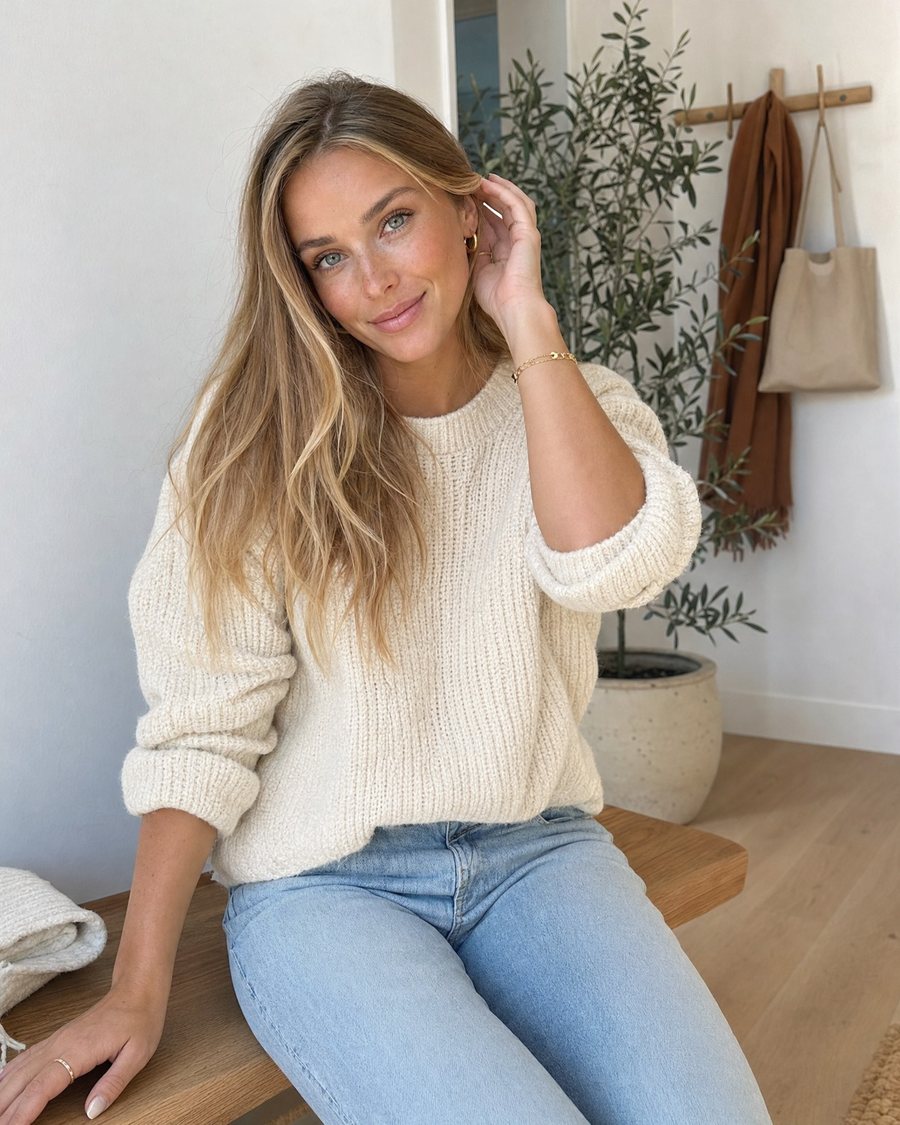
Before Skeleton face paintNeeds one photo~27 creditsUse this effect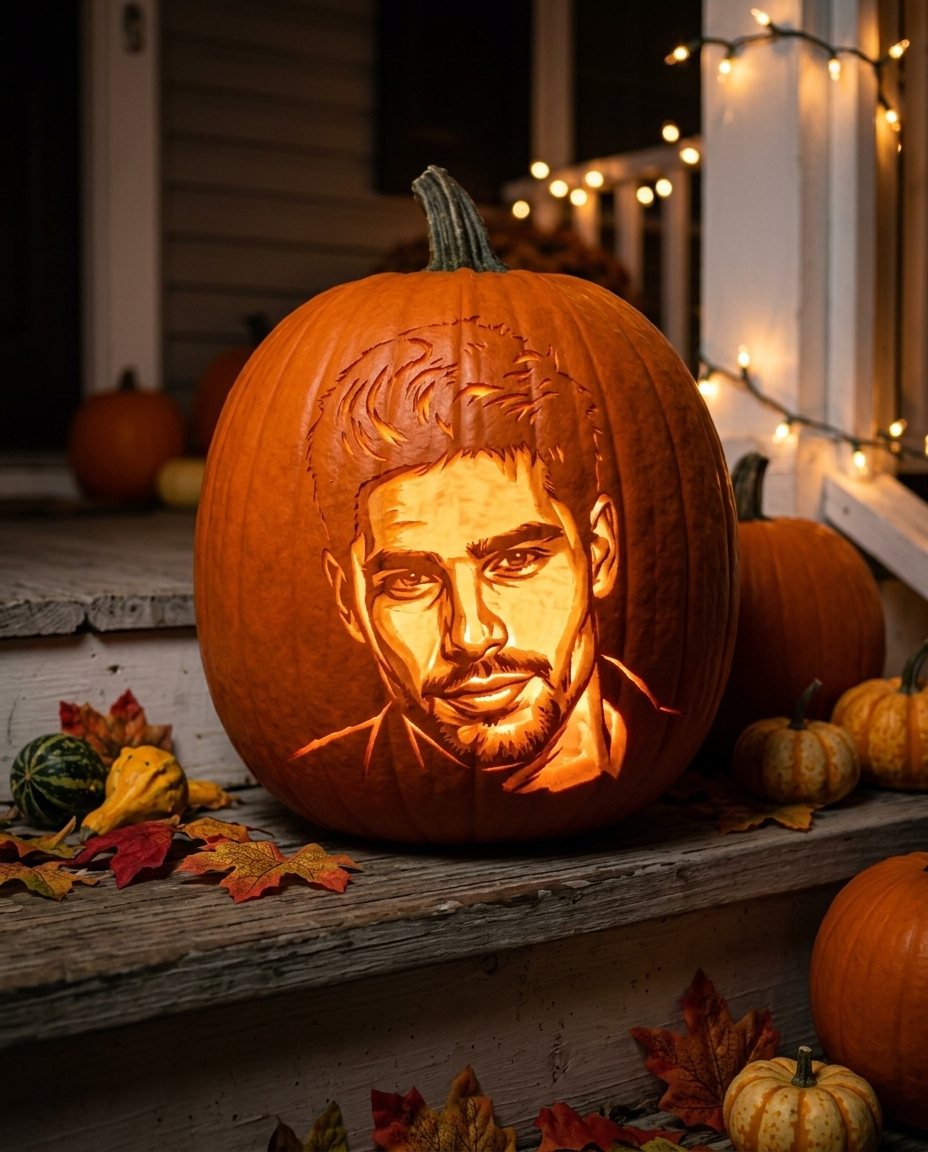 HotPhoto edit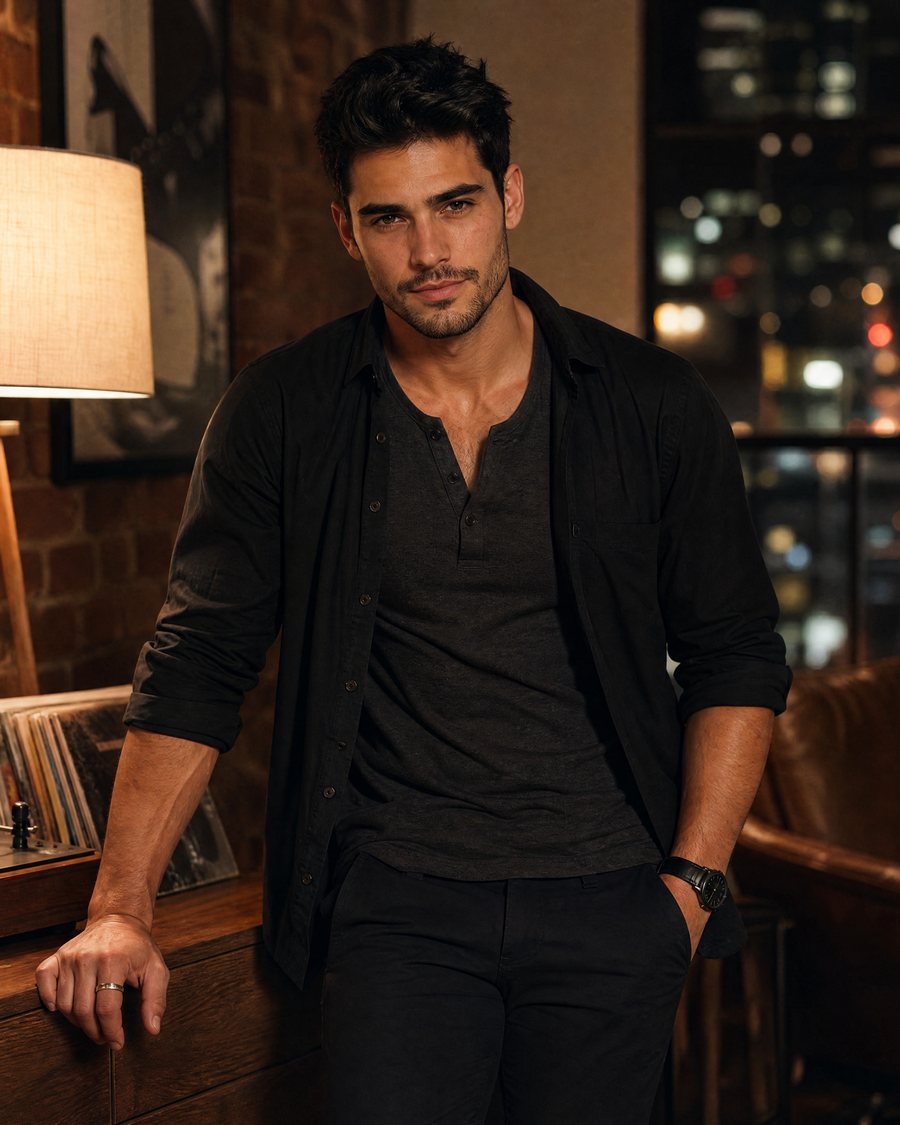
Before Pumpkin portraitNeeds one photo~27 creditsUse this effect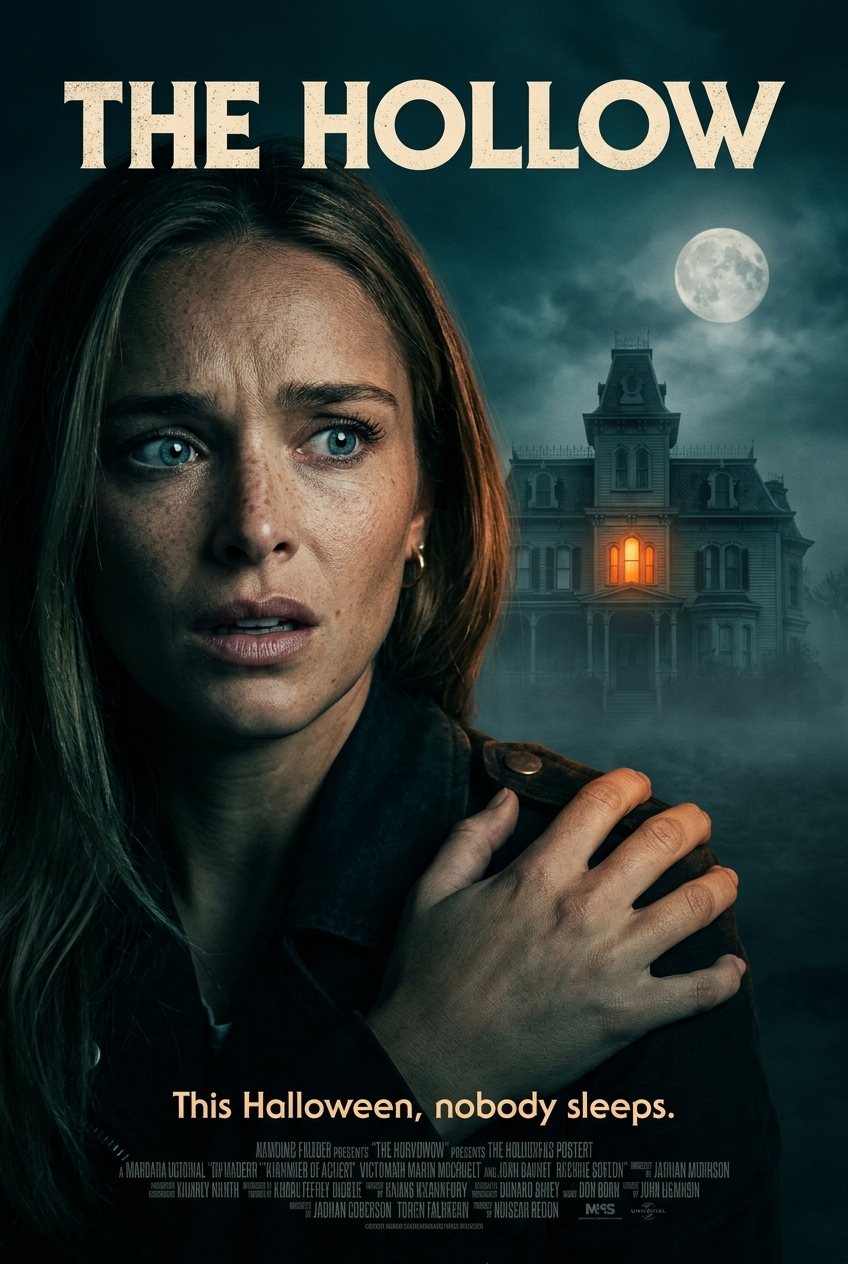 Photo edit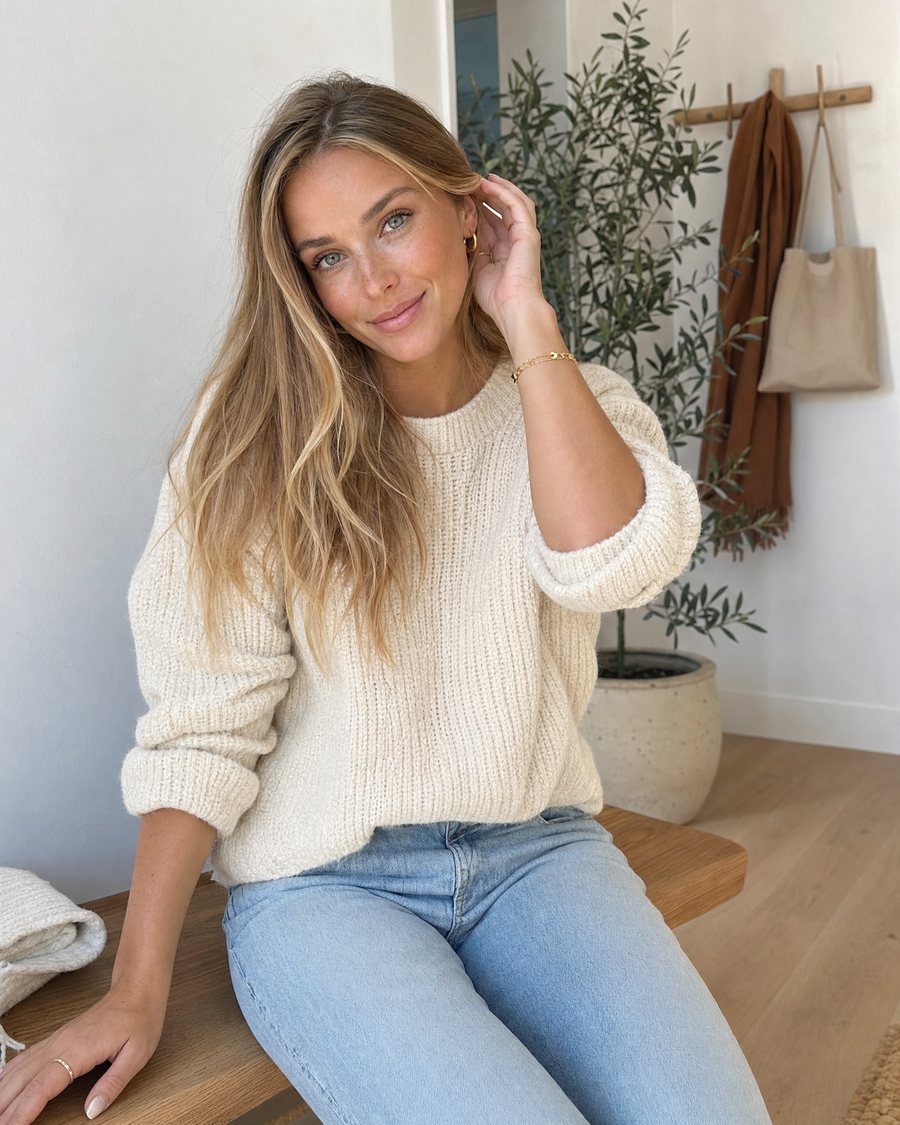
Before Horror movie posterNeeds one photo~27 creditsUse this effect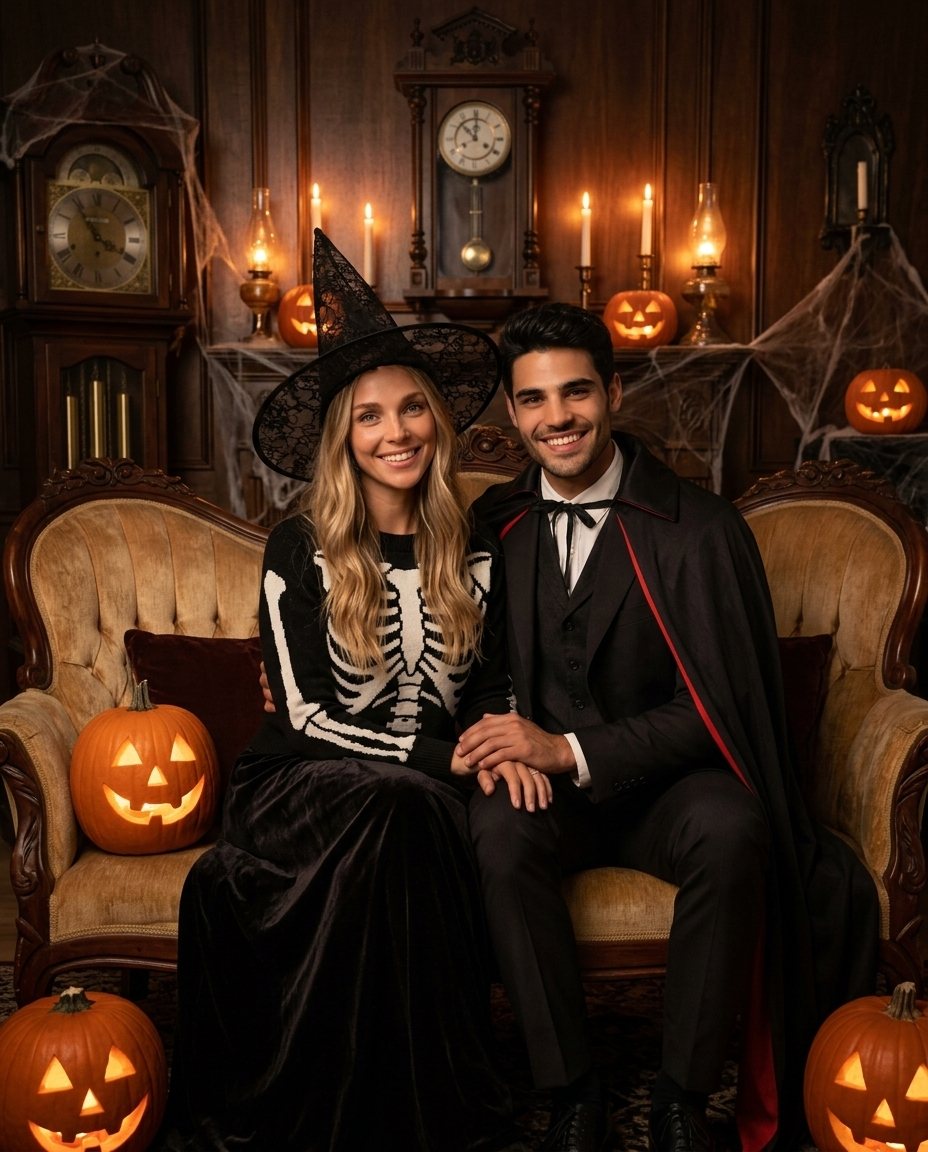 Photo edit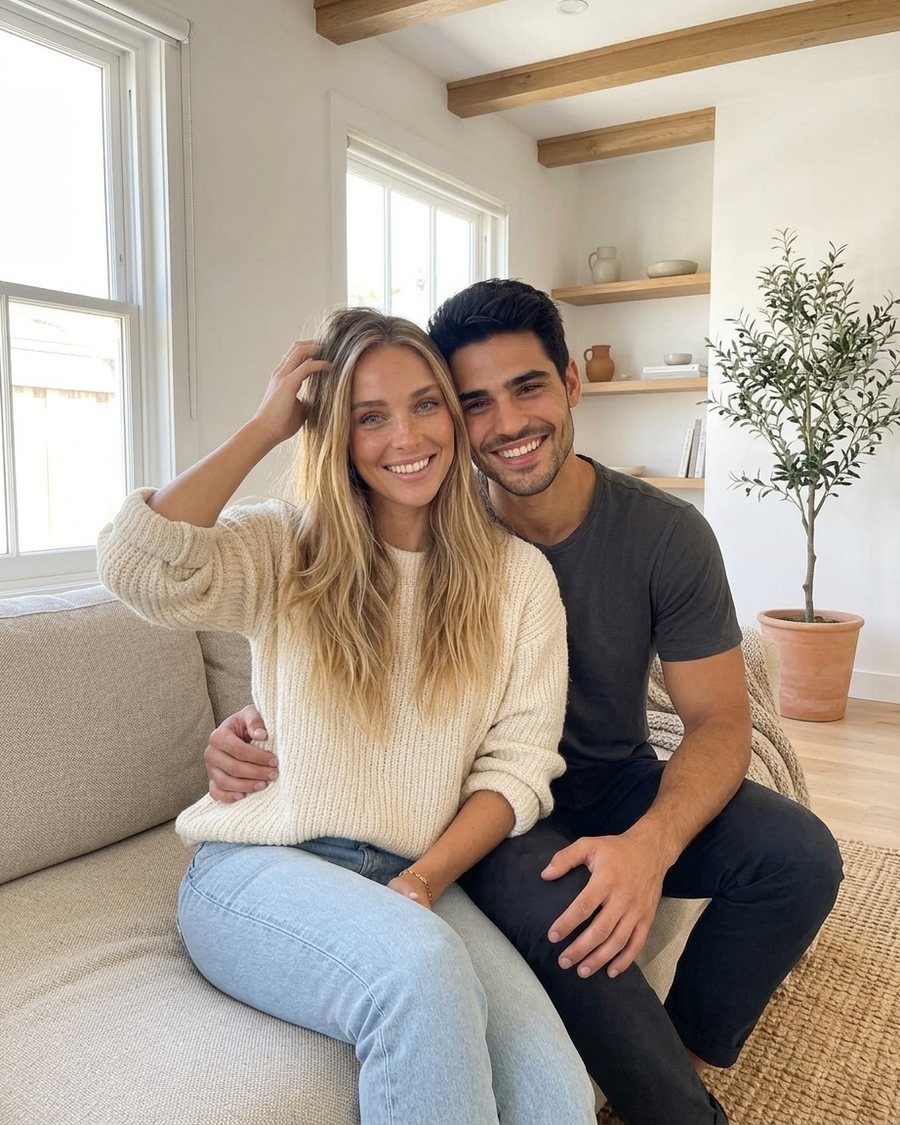
Before Spooky family photoNeeds one photo~27 creditsUse this effect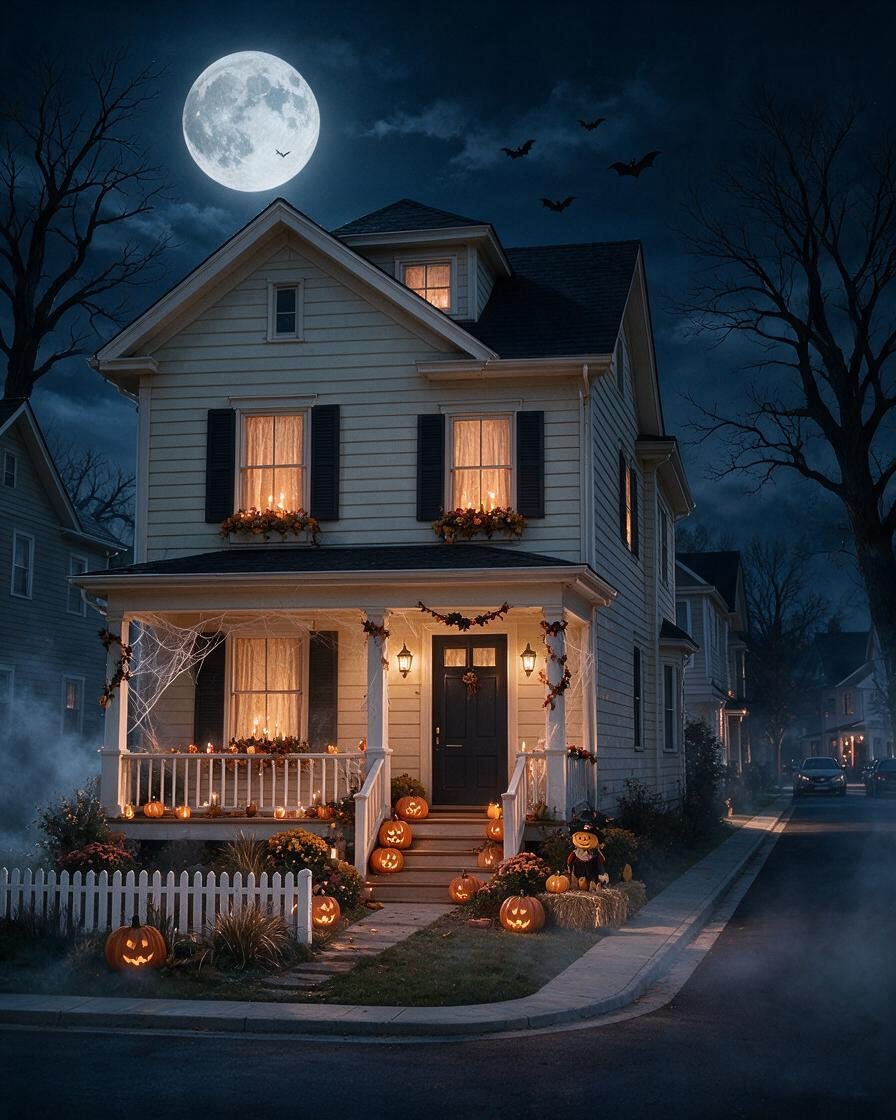 HotPhoto edit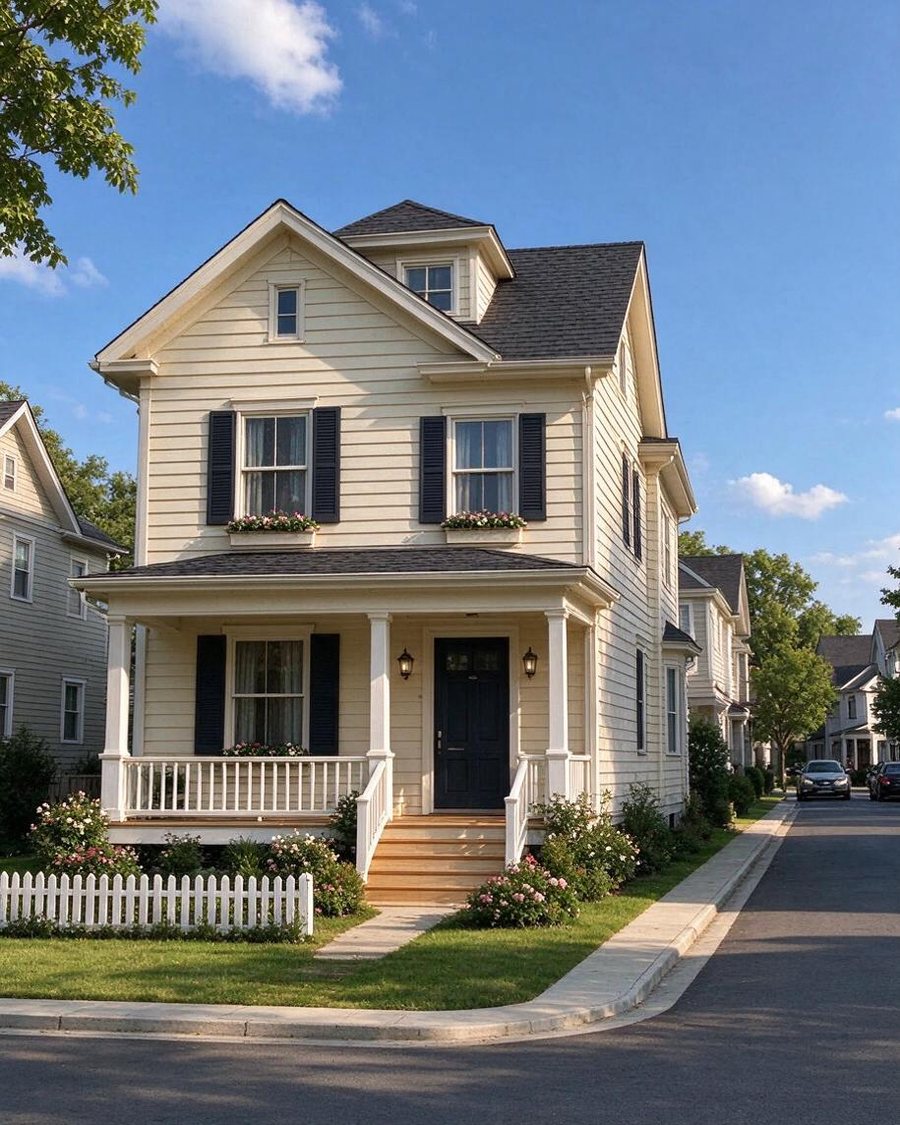
Before Haunted houseNeeds one photo~19 creditsUse this effect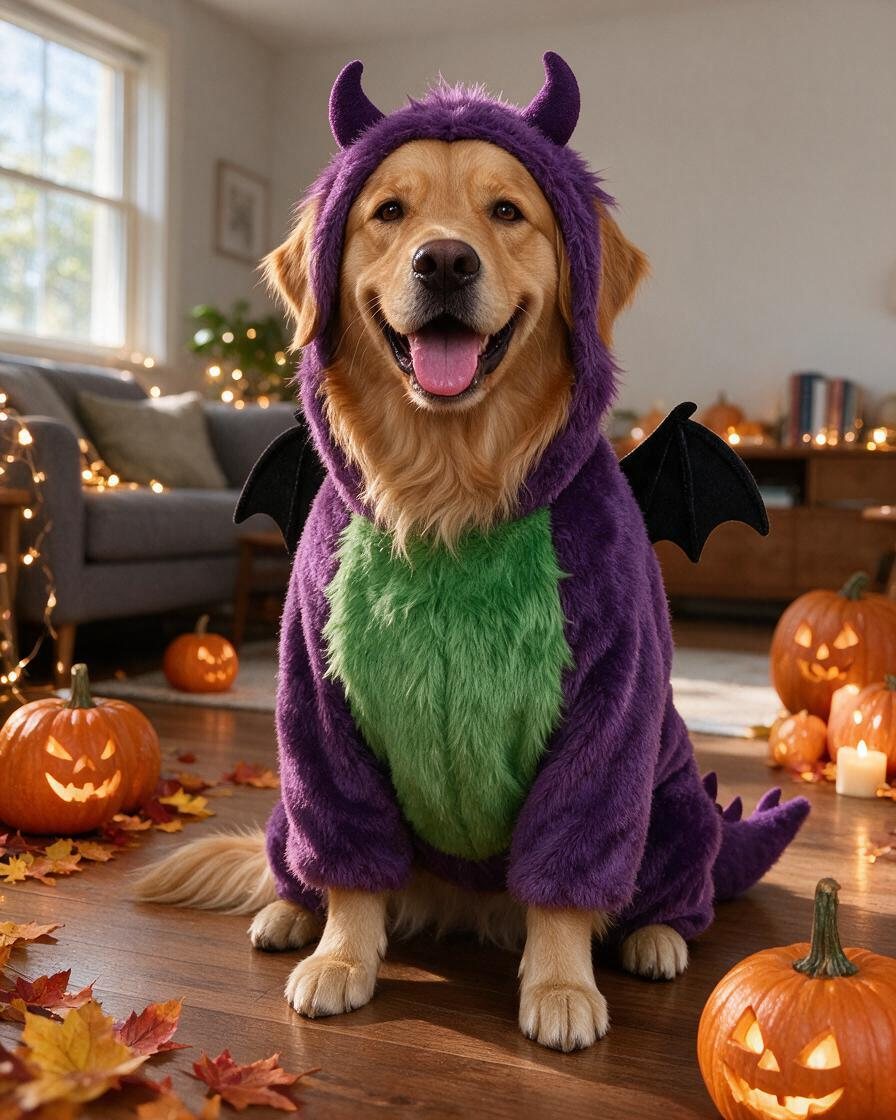 Photo edit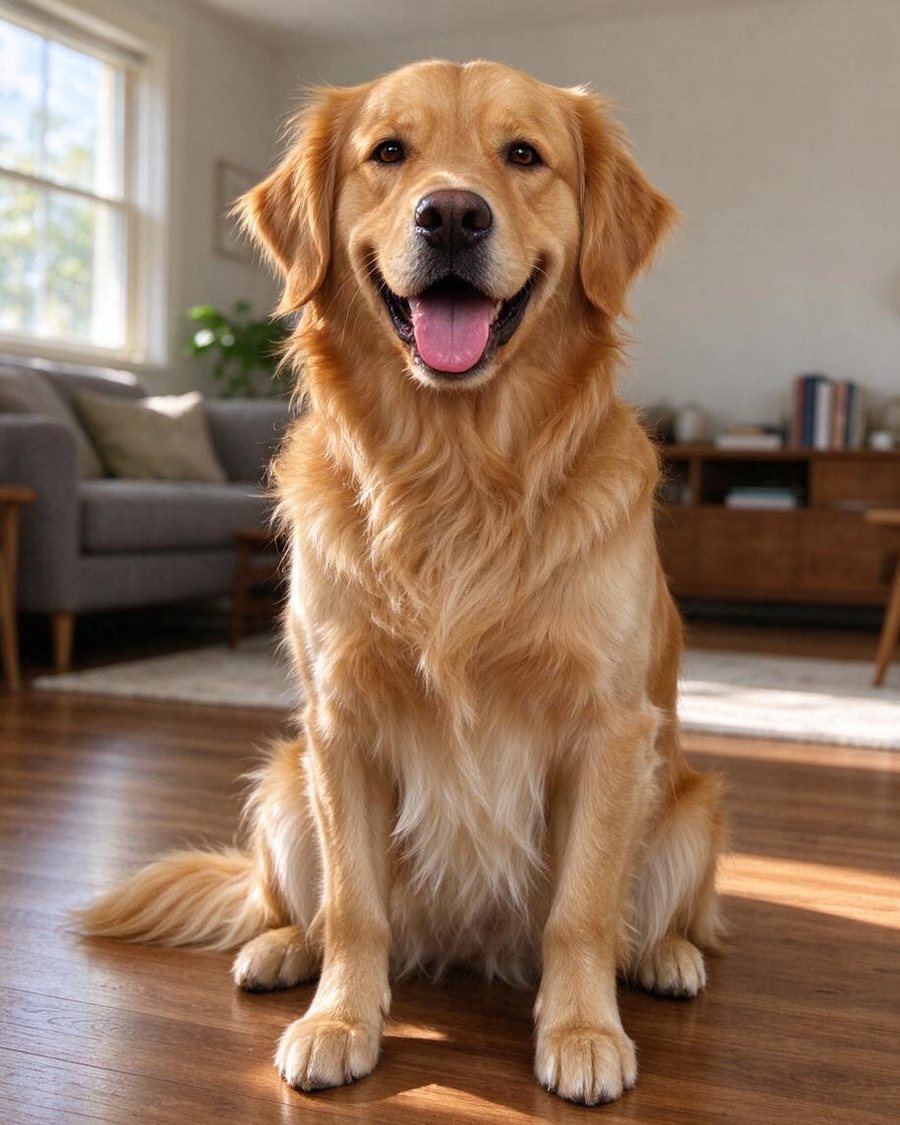
Before Pet monster costumeNeeds one photo~19 creditsUse this effect- HotVideo
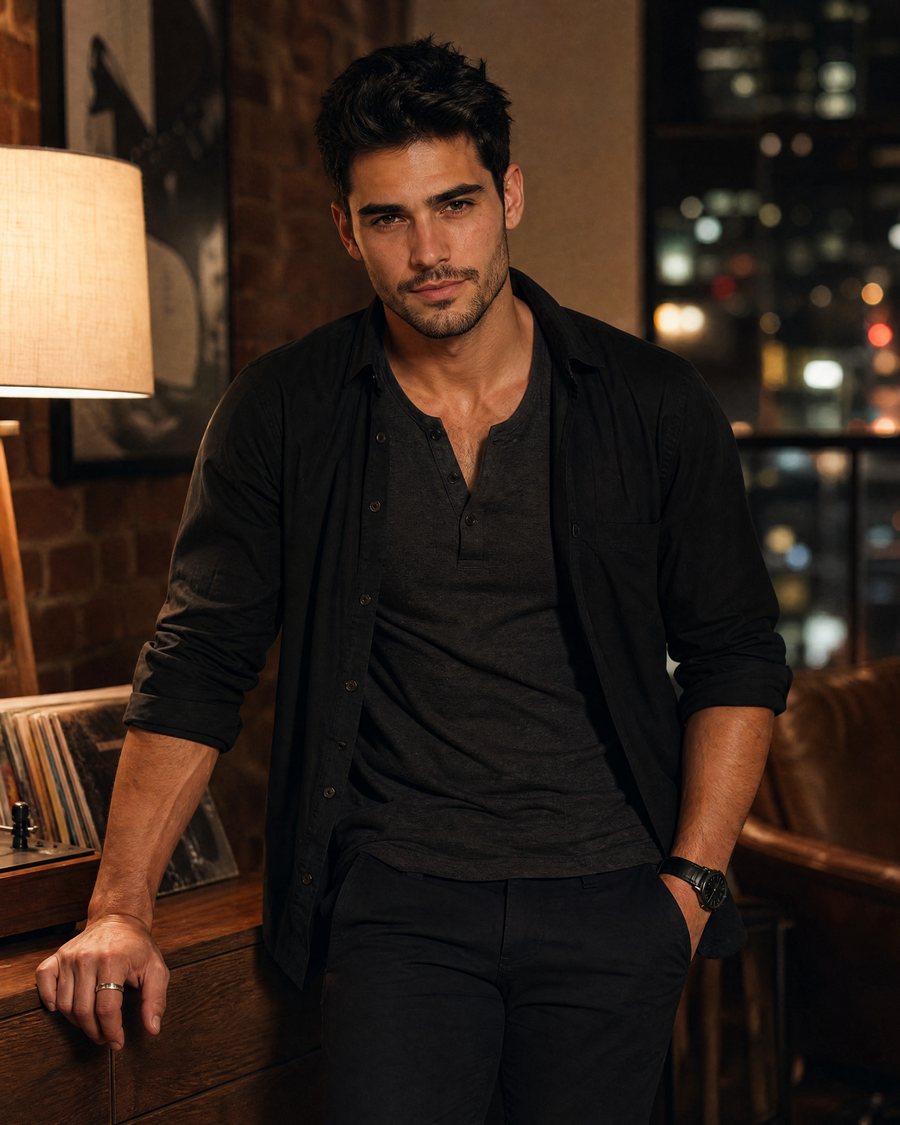
Before Ghost appearsNeeds one photo~63 creditsUse this effect - Video
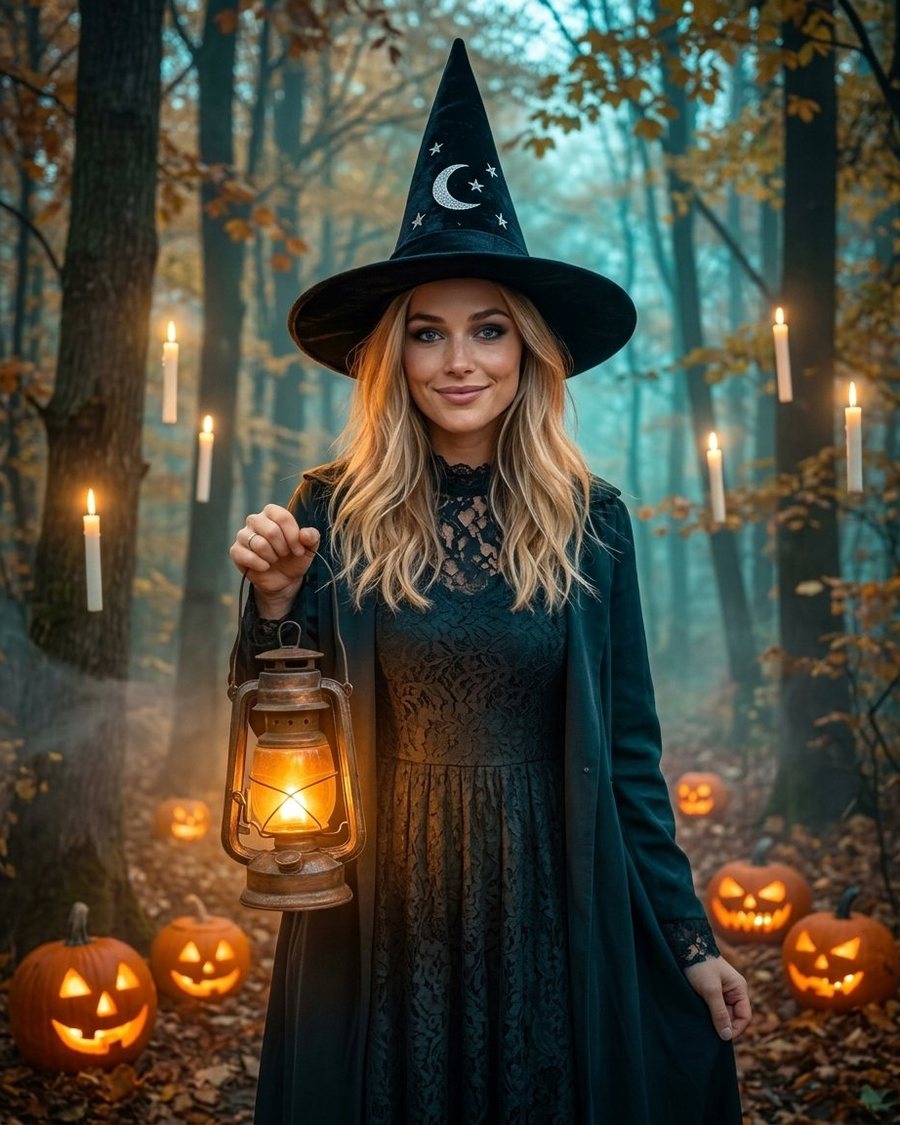
Before Haunted portraitNeeds one photo~63 creditsUse this effect
How it works
Pick a look
Zombie, vampire, witch, skeleton face paint, a pumpkin portrait, a haunted house and more.
Add one photo
A clear photo of a face works best. For the haunted house, a photo of your home or room; for the pet costume, your pet.
Download and share
The result is ready in seconds. Animate it with Ghost appears or Haunted portrait for a spooky 5-second clip.
A Halloween AI filter that keeps your face
Most Halloween filters paste a mask over you. These effects redo the whole photo like a make-up artist and a set designer would, while keeping your face, expression and age, so friends recognise you straight away.
Turn yourself into a zombie with AI, without the gore
The looks are costume and make-up styles: pale skin, theatrical scratches, capes, hats and face paint. No blood, wounds or gore, so the pictures are fine for the family group chat and for social media.
Spooky houses, pets and family photos
Haunted house turns your own front door or living room into a moonlit, foggy Halloween set. Pet monster costume dresses your dog or cat in a fuzzy little monster suit. Spooky family photo puts everyone in matching gothic costumes in one go.
Questions
Is the Halloween AI filter free?
How do I turn myself into a zombie with AI?
Can I use a photo with several people?
Are the results gory or scary for children?
Can I make a Halloween video from my photo?
How long is the Halloween pack available?
Try it with your own photo
One photo, one click, a result in seconds. Create a free account and get 150 credits to start.
Yumeforge works in any browser, on phone or desktop.