Old photos to life
Restore, colorize and animate old photos with AI
That one photo of your grandparents, creased and faded in a shoebox. Repair the damage, bring back natural colour and, if you like, let the moment move for a few seconds: a soft smile, a blink, a breath. Your original file is never changed.
New accounts get 150 free credits. The exact price is always shown before you create.
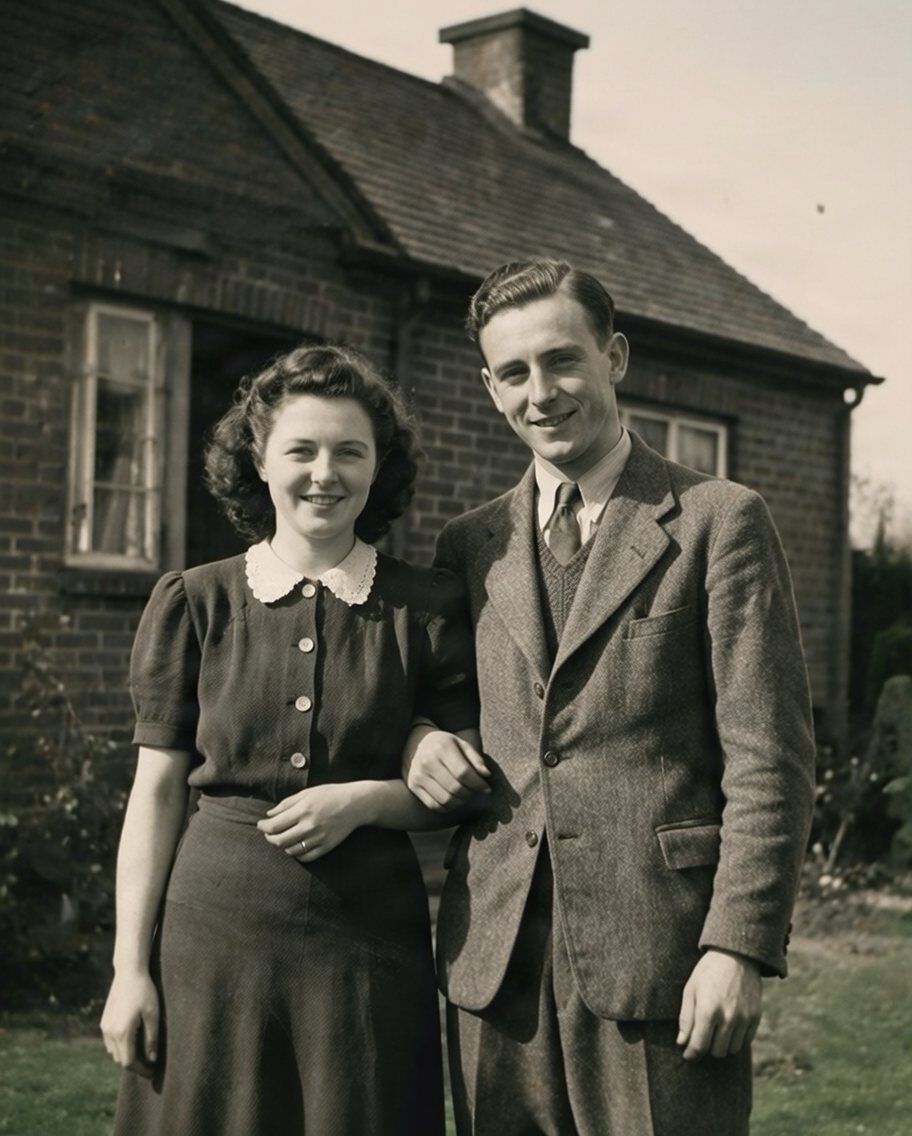
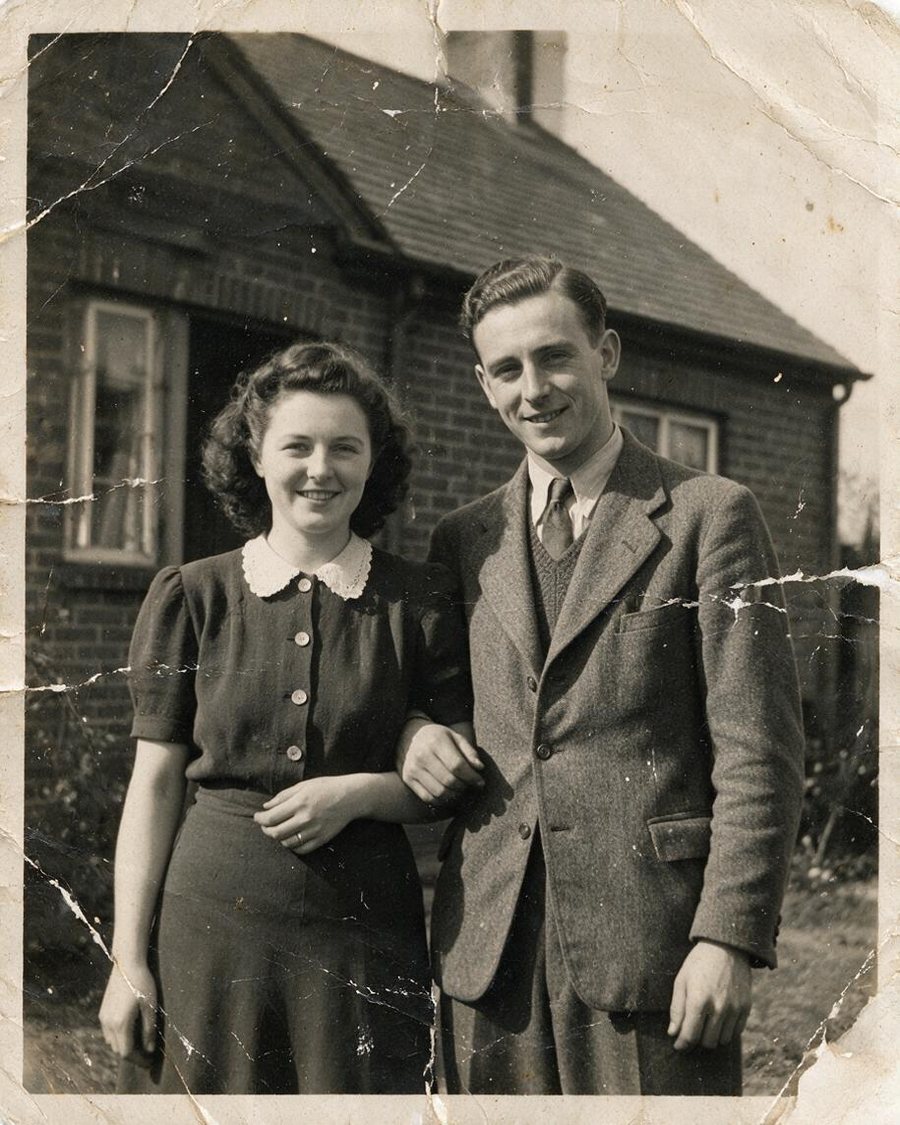
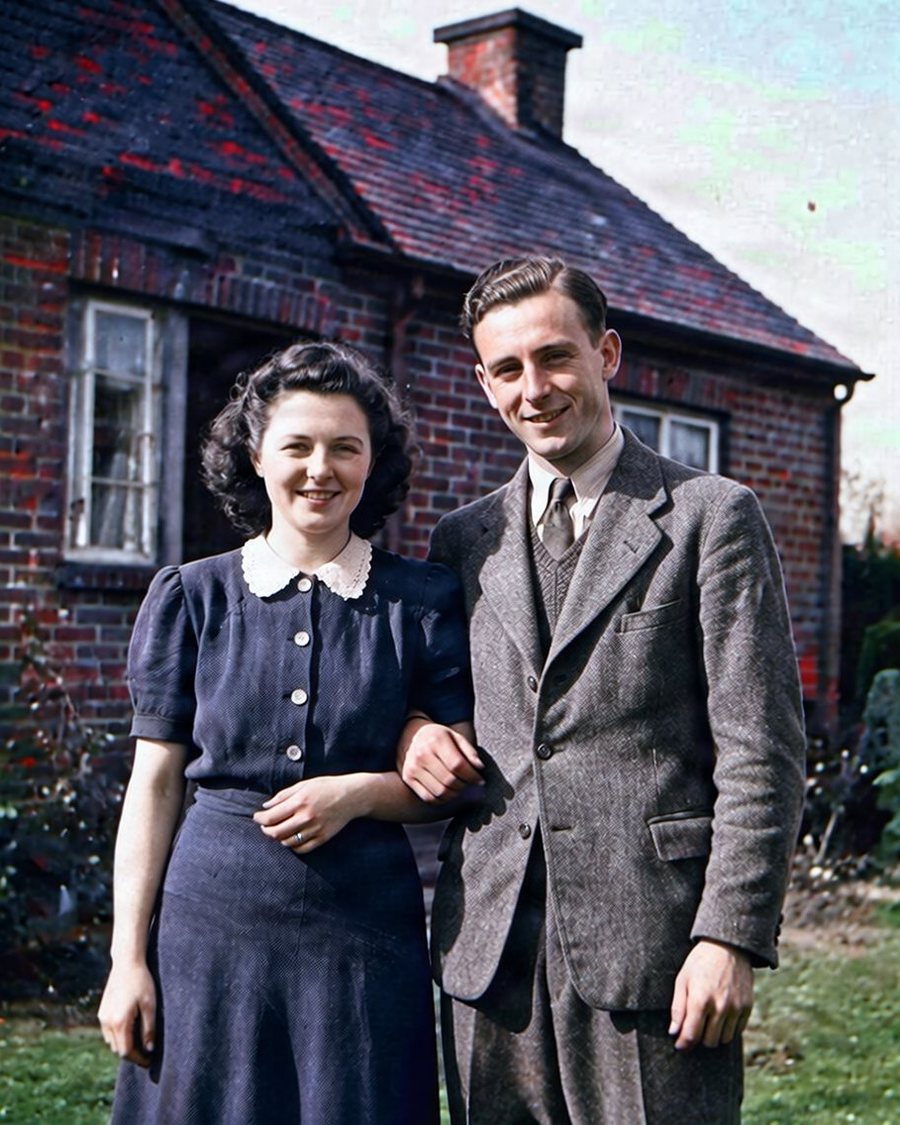
Drag to compare. Example made with this effect from an AI-generated photo.
Three steps, use one or all
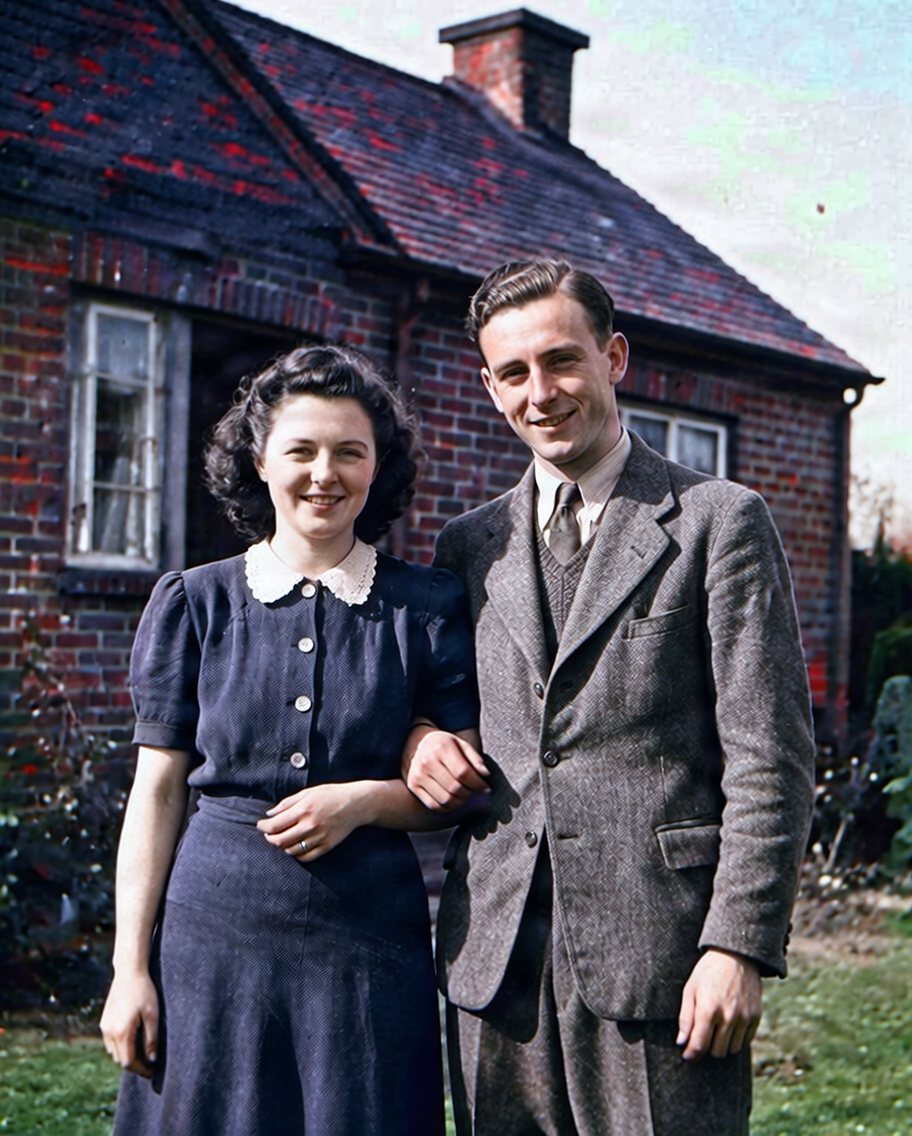
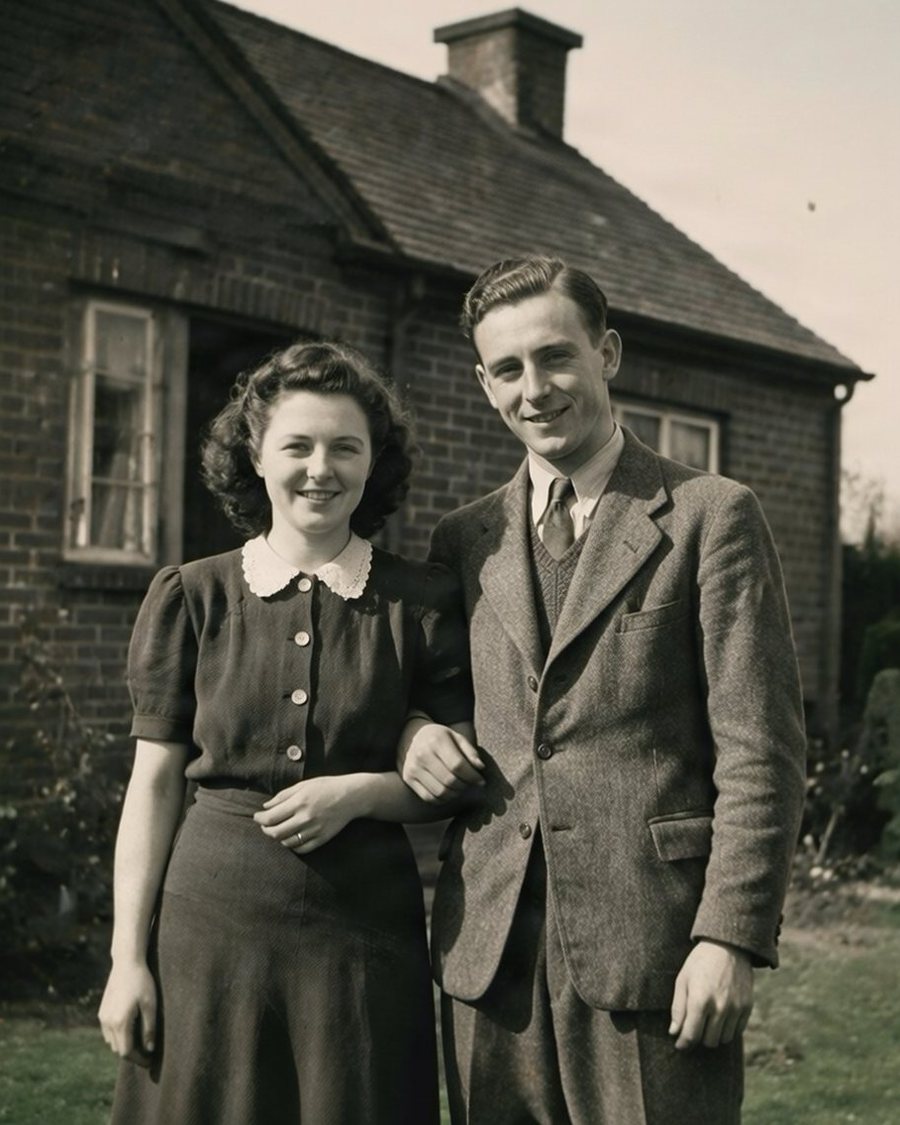
All three in one go
Upload once: the photo is restored, then colorized, then gently animated. You see the price before you start and pay it once; if a step fails, the steps that did not run are refunded.
- 1. Restore old photo
- 2. Colorize old photo
- 3. Old photo to life
About 99 credits for all three, shown exactly before you start.
How it works
Scan or photograph the print
A phone photo of the print works. Shoot straight on, in daylight, without flash glare.
Restore and colorize
Scratches, dust, creases and fading are repaired, then natural colour is added. Use each step on its own or all three together.
Bring it to life
A gentle 5-second animation of the restored photo: small natural movements, the camera almost still.
Restore old photos with AI, without starting over
The restoration keeps the photo as it was taken: the same faces, clothes and composition. It removes the damage time added, like scratches, stains, dust, cracks and faded contrast, instead of inventing a new picture.
Colorize an old photo with natural colour
Black-and-white and sepia photos get believable skin tones, clothing and backgrounds. Colours are an educated guess by the model, not a record of what people wore, so treat them as a careful reconstruction.
Animate an old photo, gently
The animation adds small, calm movements to a still photo. It is made by AI and does not show what really happened in that moment, so please say it is AI-generated when you share it.
Questions
How much does it cost to restore an old photo?
Will the restored photo still look like my family?
Is the colour accurate?
Can I animate an old photo of someone who passed away?
What happens to my photos?
Try it with your own photo
One photo, one click, a result in seconds. Create a free account and get 150 credits to start.
Yumeforge works in any browser, on phone or desktop.